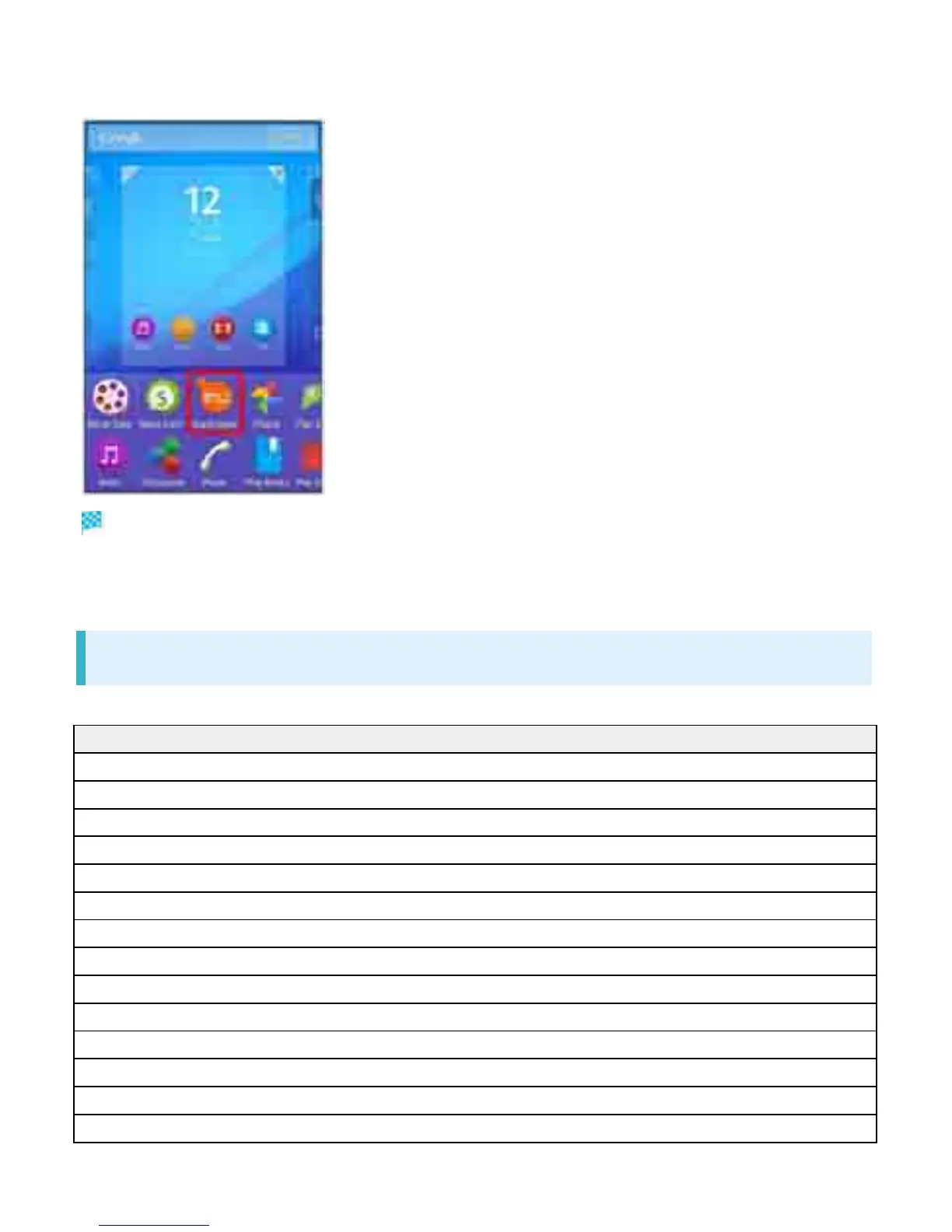
Tap application to add a shortcut to
Shortcut is added.
If settings appear, follow onscreen instructions.
Adding Widgets
The following widgets can be added.
Widget Description
Play Recommendation View contents recommended by Google Play.
Cameras Select capturing mode then launch Camera.
Calendar Show calendar events.
Quick Throw Search and display device to play back handset contents.
Drive Use Google Drive.
Hangouts Chat using photos, pictograms, or videos.
Bookmarks Show Chrome bookmarks.
Music Play back, pause, or skip songs.
Mail (easy mode)/(detail mode) Launch SoftBank Mail.
Top Contacts Show frequently used contacts.
Play-My Library View contents such as videos and e-books.
Clocks Show clock. Tap to launch "Alarm & clock."
Photos and videos View still images or videos.
World clock Show World clock.
27



 To Next Page