Set up SIM card lock Lock SIM card Enter PIN OK
PIN is enabled.
PIN Cautions
Entering incorrect PIN three times locks PIN. To release locked PIN, enter PUK
(Personal Unblocking Key). For details on PIN, contact Customer Service. Entering
incorrect PUK ten times consecutively locks SIM Card to disable handset operations. In
that case, reissue of SIM Card at a SoftBank Shop (paid service) is needed.
Changing SIM PIN
Operation can be performed only when PIN is enabled.
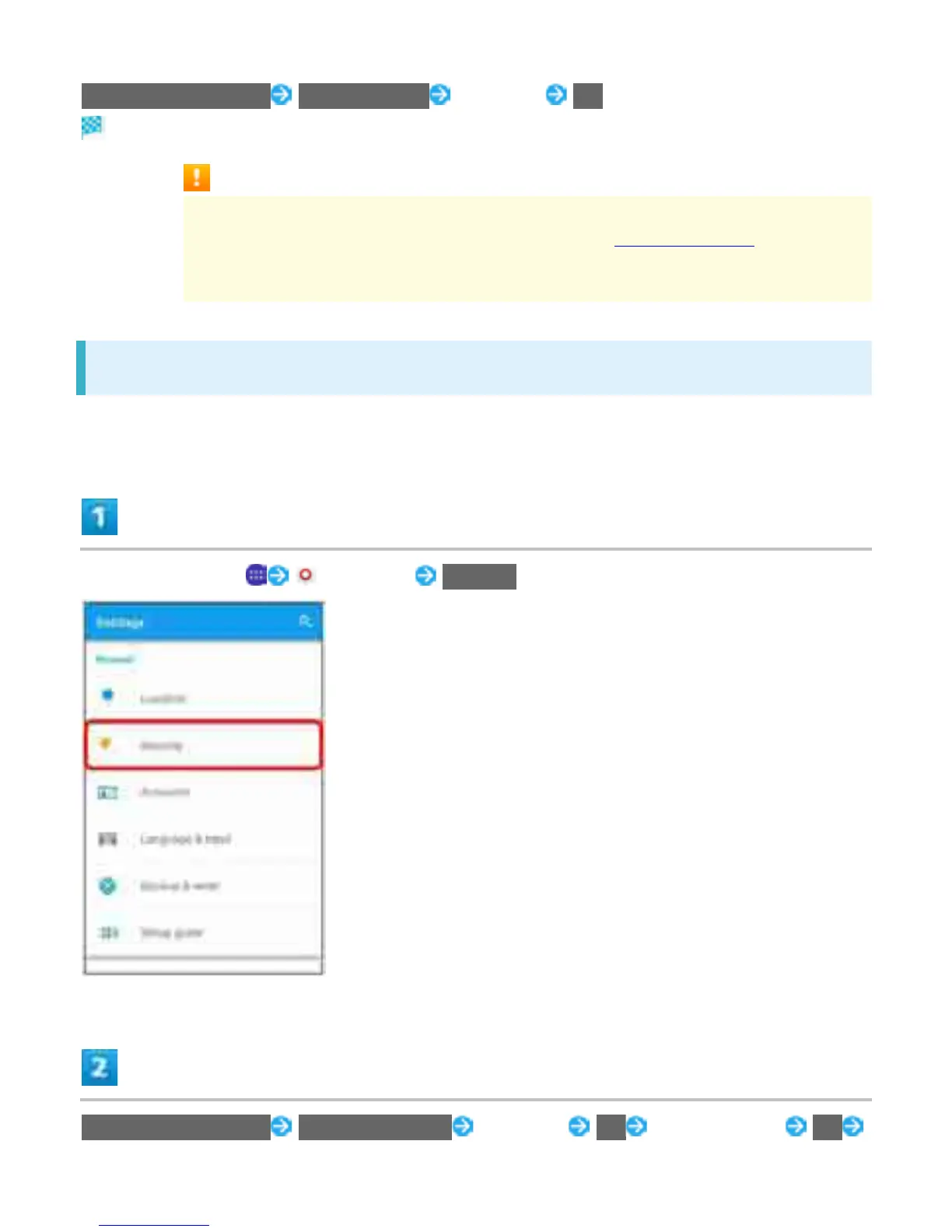
In Home Screen, (Settings) Security
Set up SIM card lock Change SIM PIN Enter PIN OK Enter new PIN OK
44



 To Next Page