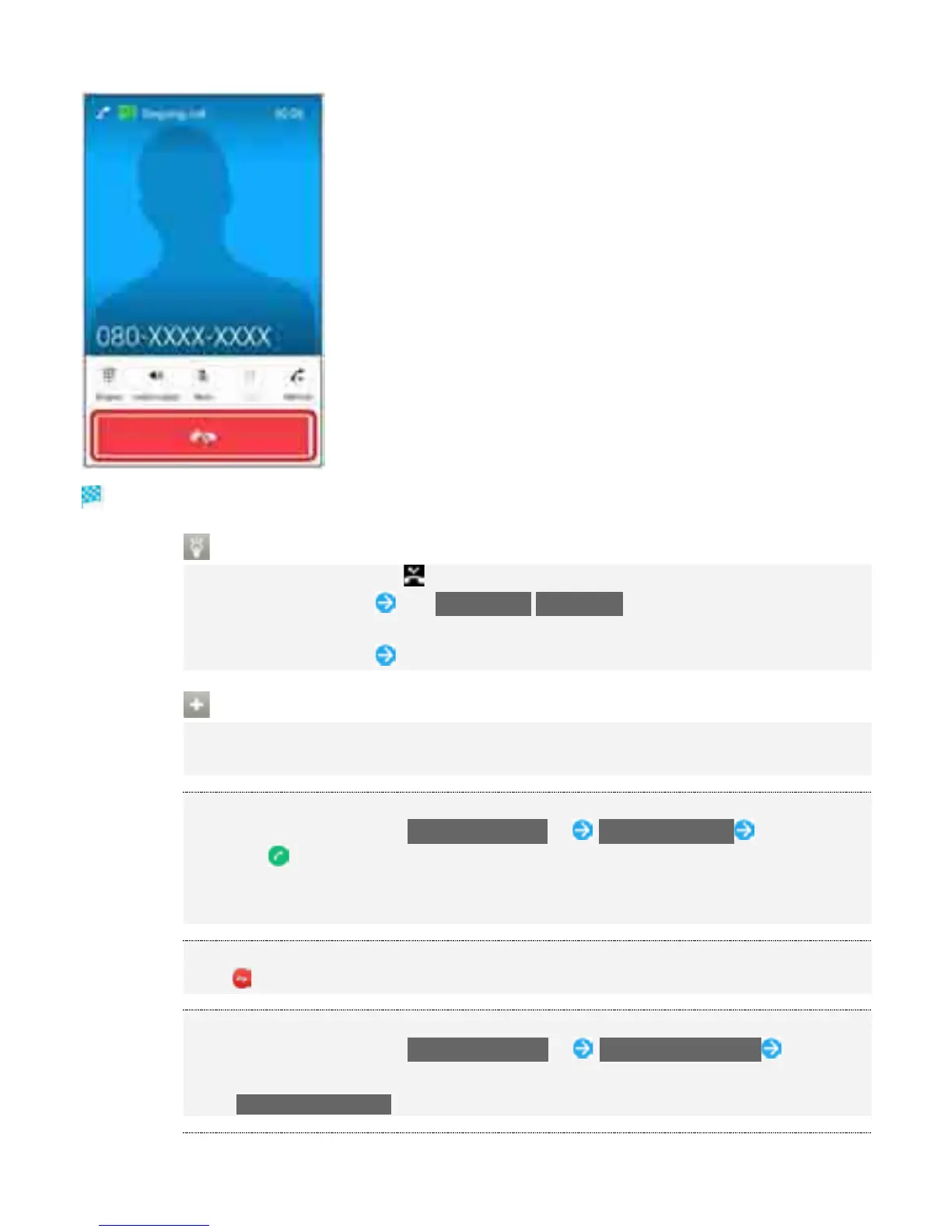
Call ends.
Missed Calls
When call is not answered, appears on Status Bar.
Drag Status Bar down Tap CALL BACK/MESSAGE in notification to place a call or
send a message.
Drag Status Bar down Tap notification to show Call History.
Operations When Call Arriving/Using Answering Machine
Canceling Ringtone
Press Volume Up Key/Volume Down Key when call is arriving
Answering by Putting a Call on Hold
While a call is arriving, Drag Response options up Put caller on hold To answer the
call, Drag right
The other party hears answer-holding message. To end holding call, reject the call or
the other party ends the call.
Rejecting Call
Drag to left when call is arriving
Rejecting and Sending Message
While a call is arriving, Drag Response options up Reject with message Select
message
Tap Write new message to write message to send.
7



 To Next Page