S! Mail Initial Setup
Ð
Setting Up S! Mail Initially
Setting Up S! Mail Initially
When activating mail for the first time, complete setup to send/receive S! Mail using Wi-Fi and to
import sent/received SMS by (Hangouts).
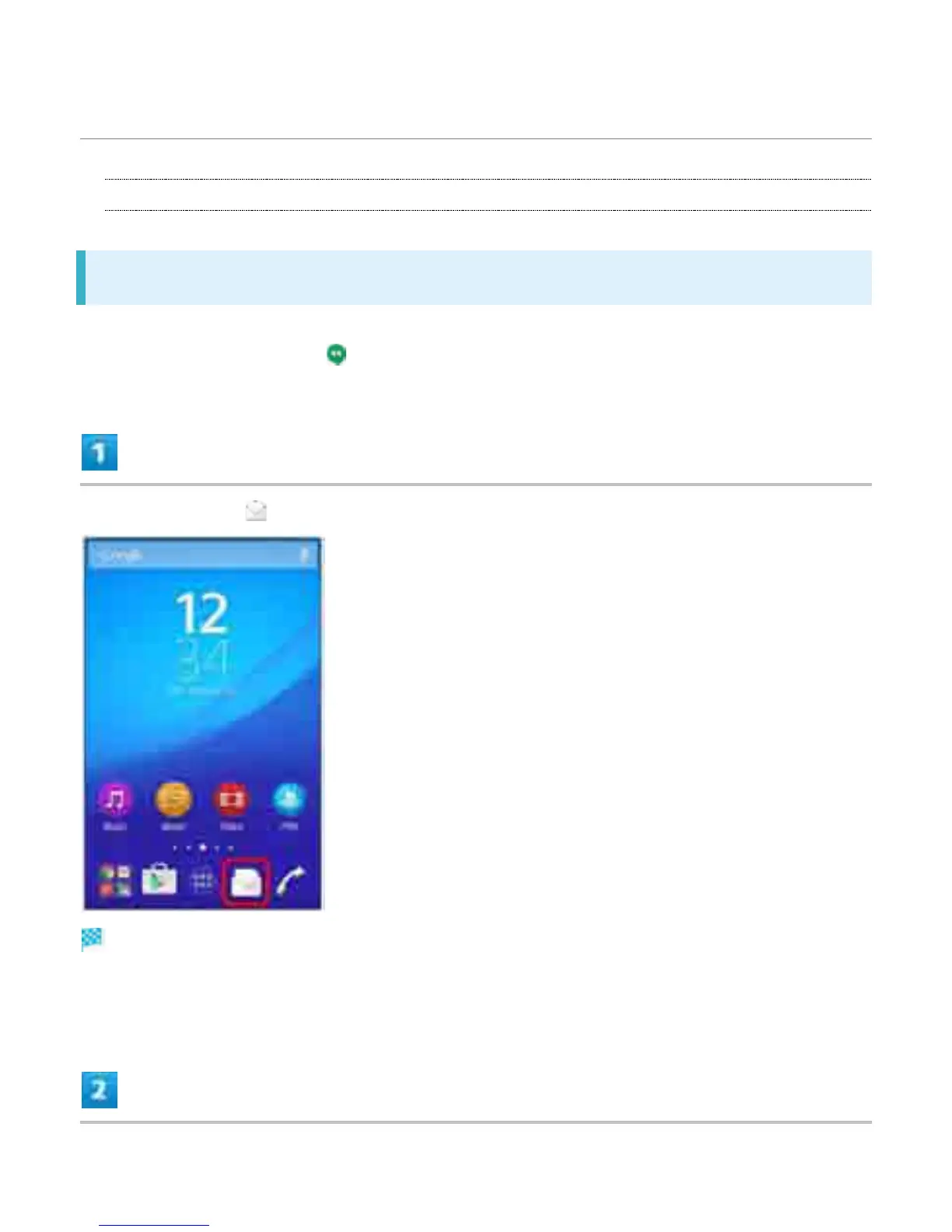
In Home Screen, (Mail)
Setup to Wi-Fi connection window opens.
If confirmation appears, follow onscreen instructions.
2



 To Next Page