The communication's method is set.
At time of purchase, 4G/3G is set. Setting does not need to be changed if using handset in Japan
or in an area with only 3G network carriers.
Setting the Carrier
At time of purchase, handset is preset to connect automatically to an appropriate carrier in user's
current area. A specific carrier can also be selected manually.
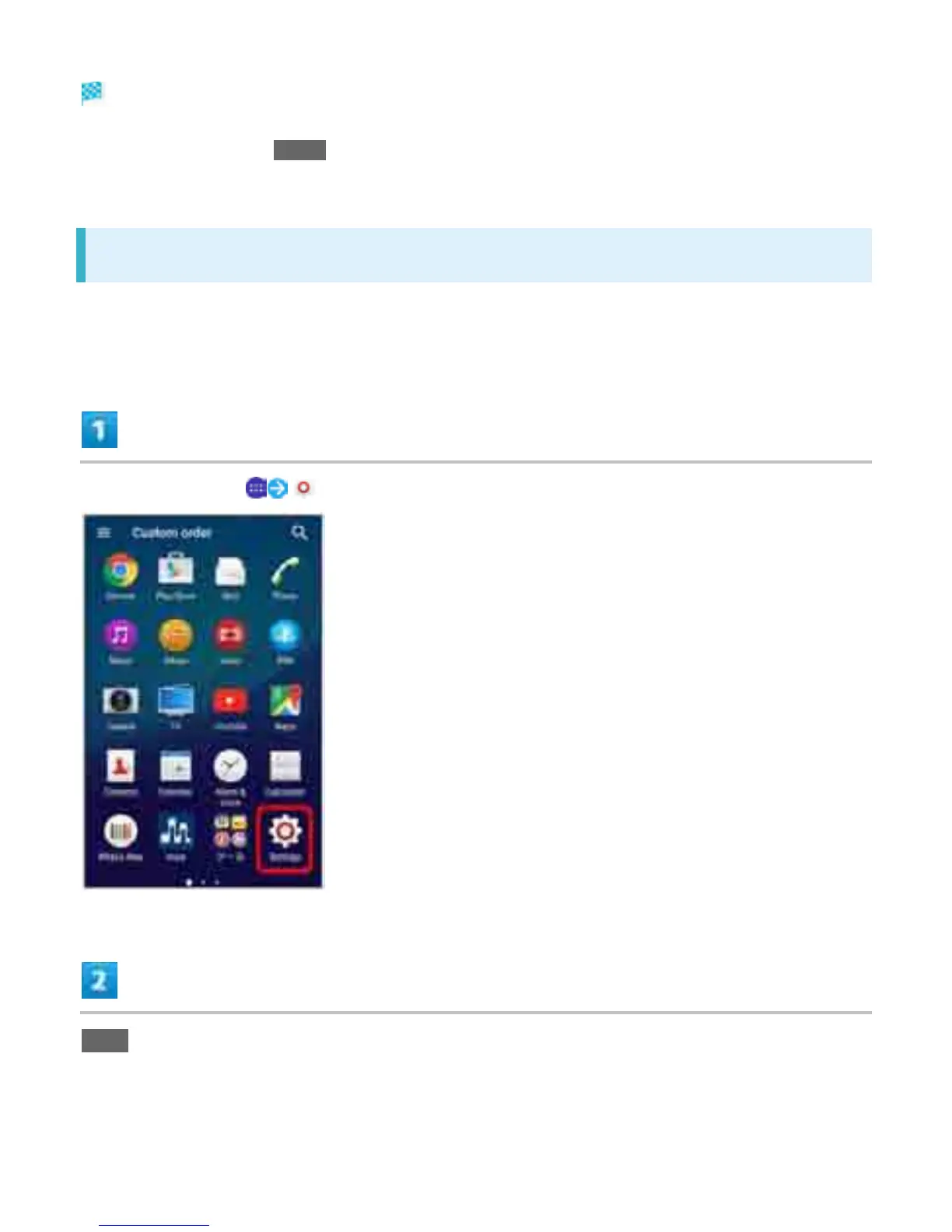
In Home Screen, (Settings)
More
4



 To Next Page