Date & time
Ð
Date & time
Date & time
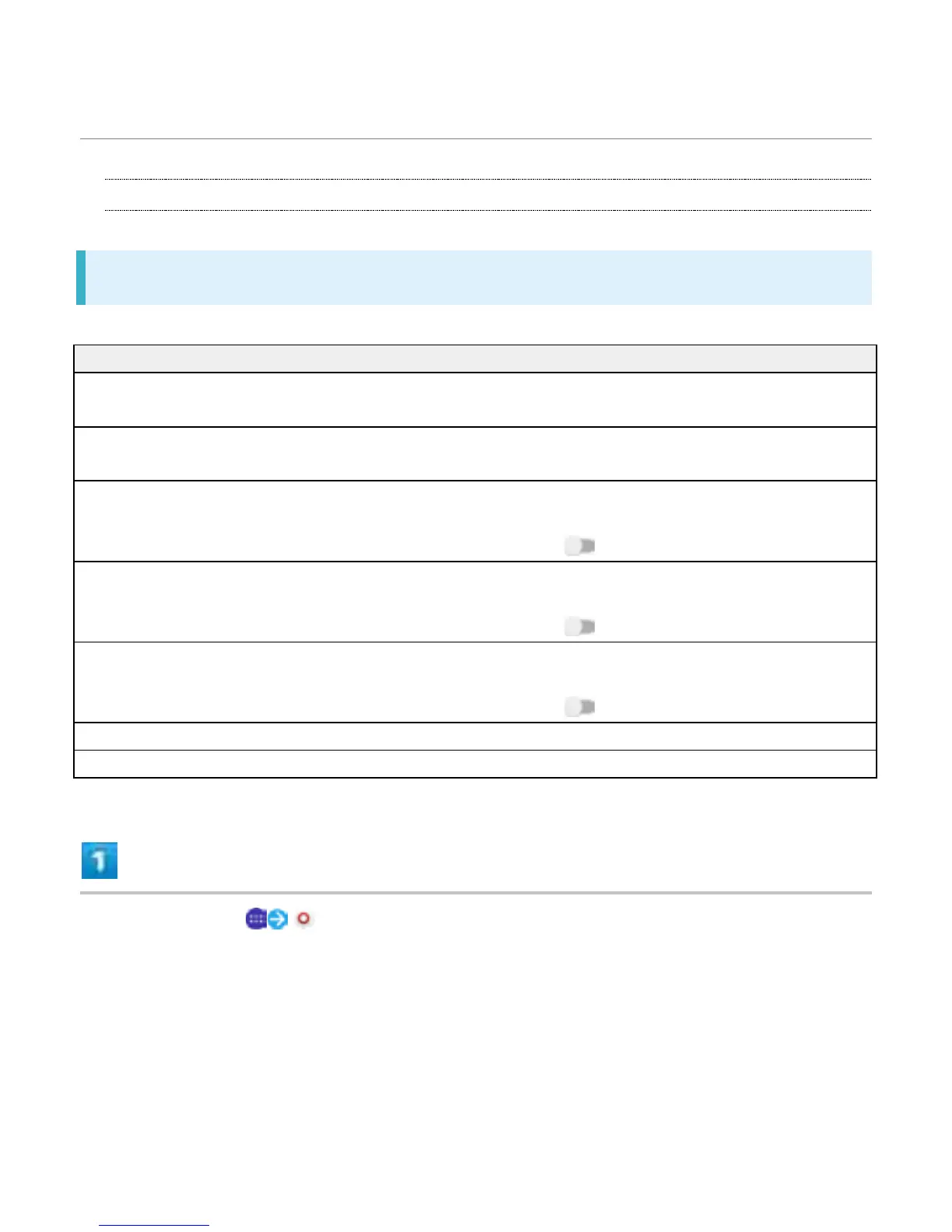
Set functions for date and time. Settings can be made for the following items.
Item Description
Automatic date & time Enable adjustment of date and time automatically
by using network-provided information.
Automatic time zone Enable use of time zone information from the
network.
Set date Set the date manually.
Available when "Automatic date & time" is
canceled ( ).
Set time Set the time manually.
Available when "Automatic date & time" is
canceled ( ).
Select time zone Set the time zone manually.
Available when "Automatic date & time" is
canceled ( ).
Use 24-hour format Enable 24-hour format.
Select date format Set the date format.
In Home Screen, (Settings)
58



 To Next Page