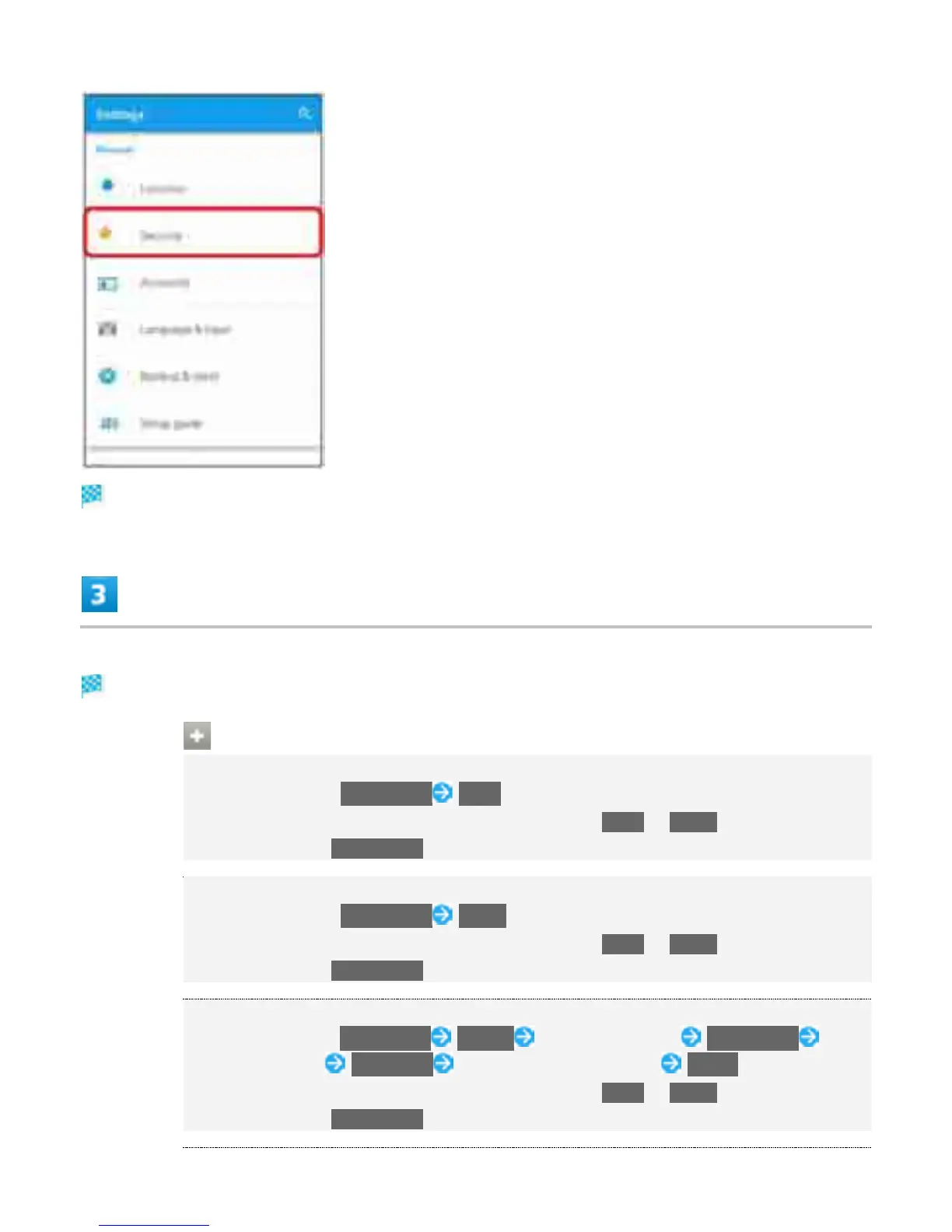
Security settings open.
Set items
Setting is complete.
Security Operations
Setting Screen Not to Lock
In security settings, Screen lock None
If method for unlocking screen is setting other than None or Swipe before changing
setting, first Tap Screen lock and unlock screen.
Unlocking Screen by Swiping on Screen
In security settings, Screen lock Swipe
If method for unlocking screen is setting other than None or Swipe before changing
setting, first Tap Screen lock and unlock screen.
Unlocking Screen by Tracing Pattern
In security settings, Screen lock Pattern Trace new pattern CONTINUE Trace
new pattern again CONFIRM Select notification method DONE
If method for unlocking screen is setting other than None or Swipe before changing
setting, first Tap Screen lock and unlock screen.
45



 To Next Page