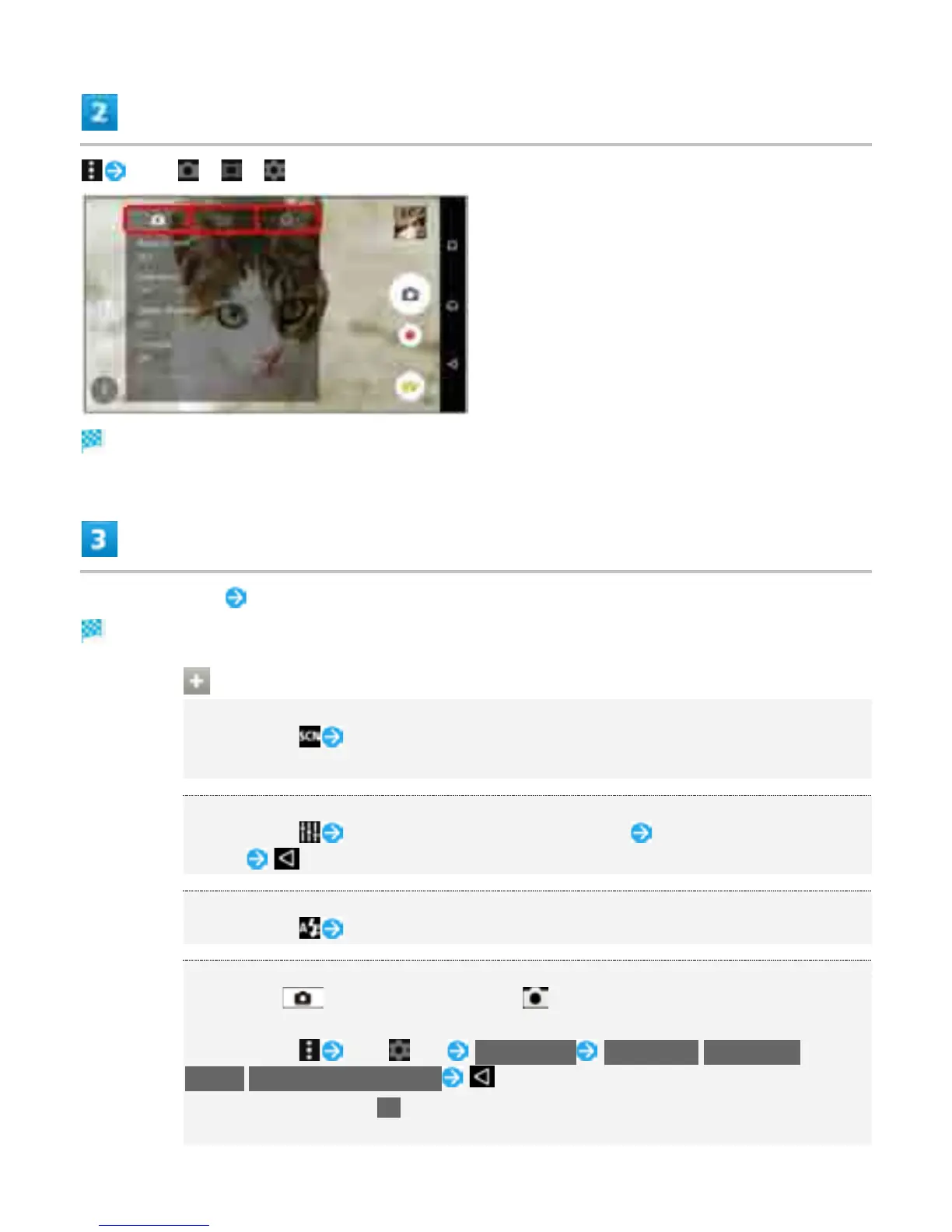
Tap " "/" "/" " tab
Settings open.
Tap setting item Set items
Setting is complete.
Operations on Using Camera
Setting Scene Selection
In Viewfinder, Select a scene
Set when Capturing mode is "Manual."
Adjusting Brightness/White Balance
In Viewfinder, Tap or Drag Bar to adjust brightness Tap Indicator to set white
balance
Setting Flash
In Viewfinder, Set Flash
Using Quick Launch
Long Press , or in Lock Screen, flick upwards to set operation when
launching Camera (Quick launch).
In Viewfinder, Tap " " tab Quick launch Launch only/Launch and
capture/Launch and record video
To cancel setting, Tap Off.
When launching Camera from Quick launch, Capturing mode is set to "Superior auto"
25



 To Next Page