Using DLNA Function
Use Wi-Fi transfers to share still image, video, and other files between handset and
external devices. Connect to the same Wi-Fi network with DLNA device beforehand.
Ð
Enabling Media Server
Ð
Playing Media Files in the DLNA Device on Handset
Ð
Playing Media Files in Handset on DLNA Device
Enabling Media Server
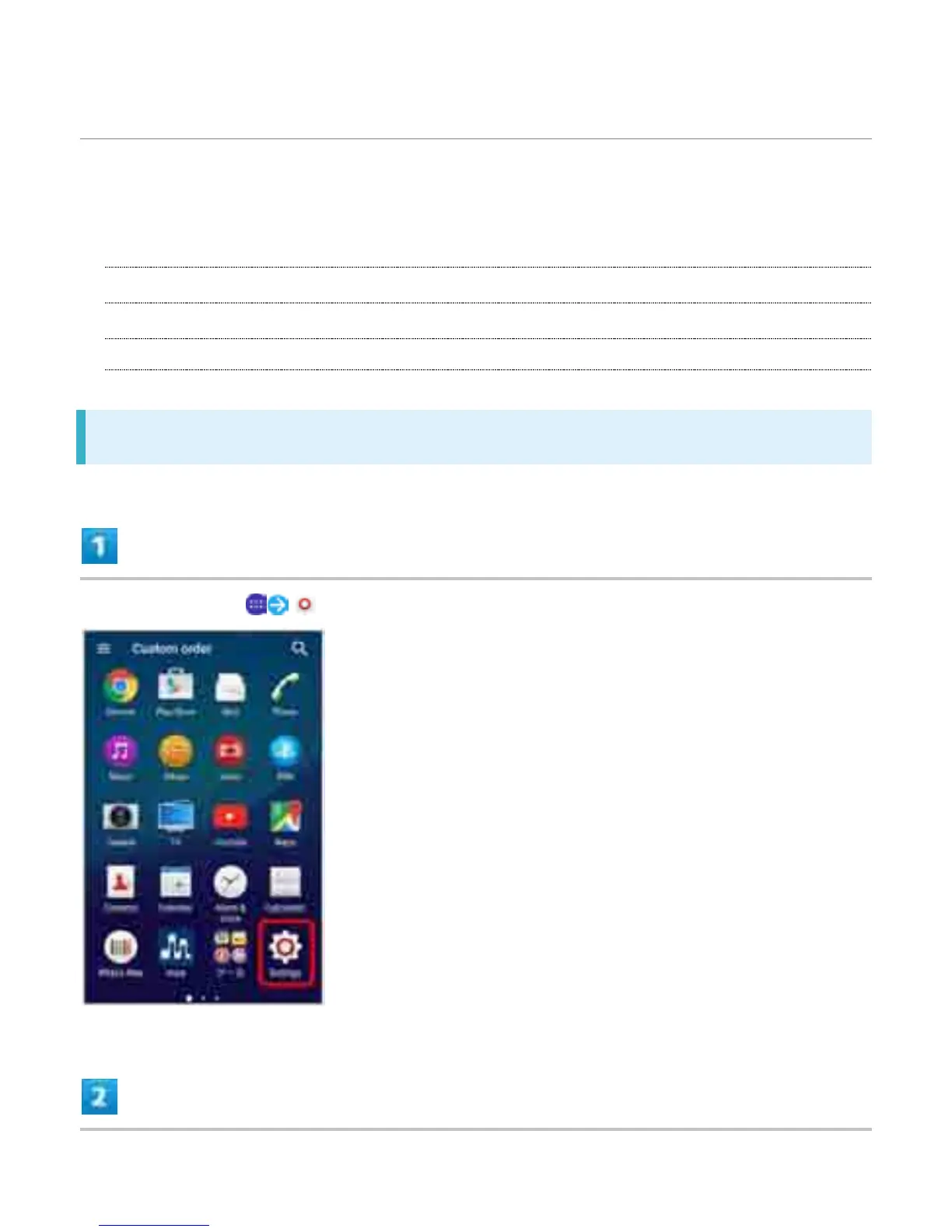
In Home Screen, (Settings)
36



 To Next Page