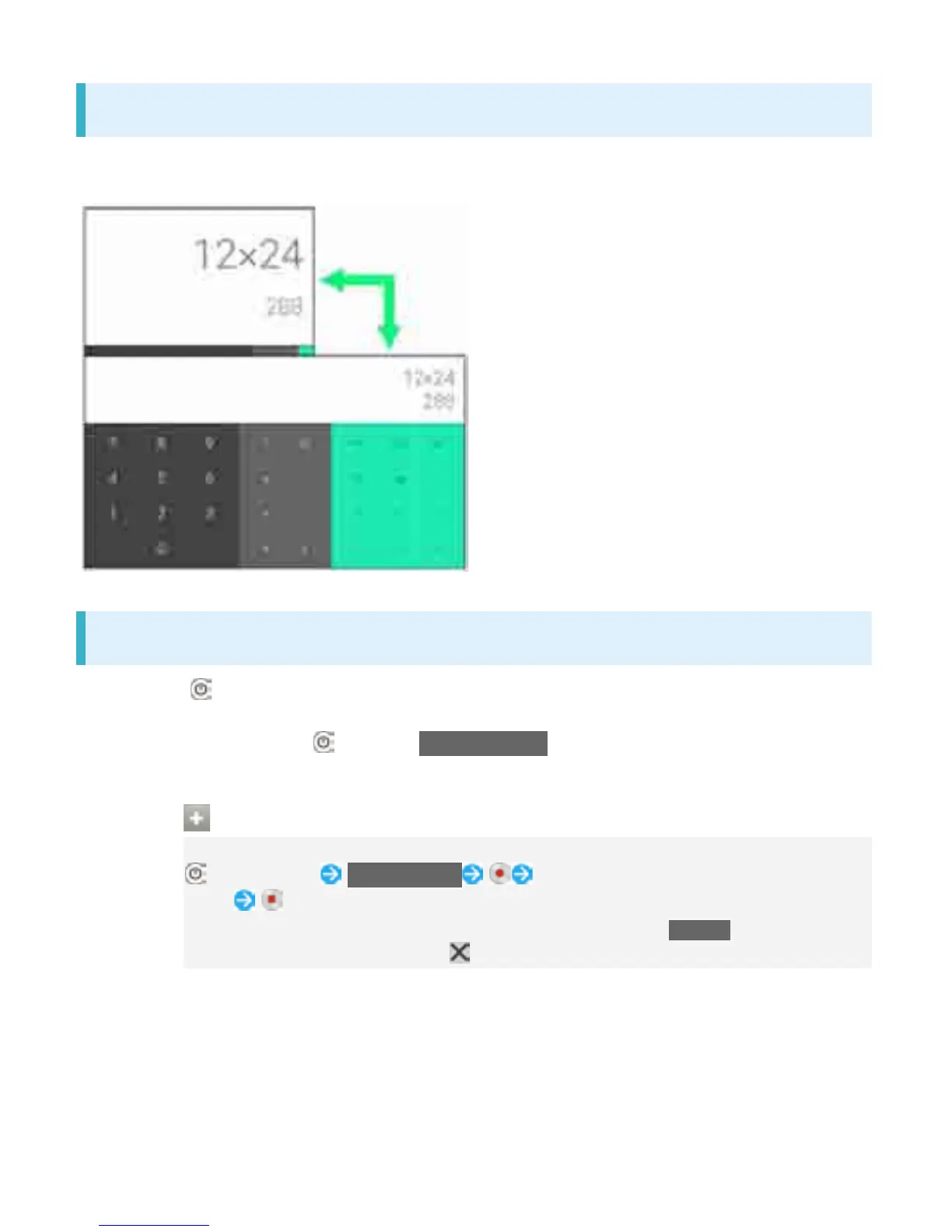
Portrait Orientation & Landscape Orientation
The screen changes to portrait orientation when handset is rotated sideways.
Depending on the current screen, the orientation may not change.
Capturing Screenshots
Long Press and Volume Down Key at the same time to capture a screenshot of the current
screen.
Alternatively, Long Press then Tap Take screenshot on the screen.
View captured screenshots in Screenshots folder in Album, etc.
Capturing Screen Video
Capture shown screen as a video.
(Long Press) Record screen To stop capturing, Tap the recording time
button
If terms of agreement appears, confirm the content and Tap AGREE.
To close the control panel, Tap .
5



 To Next Page