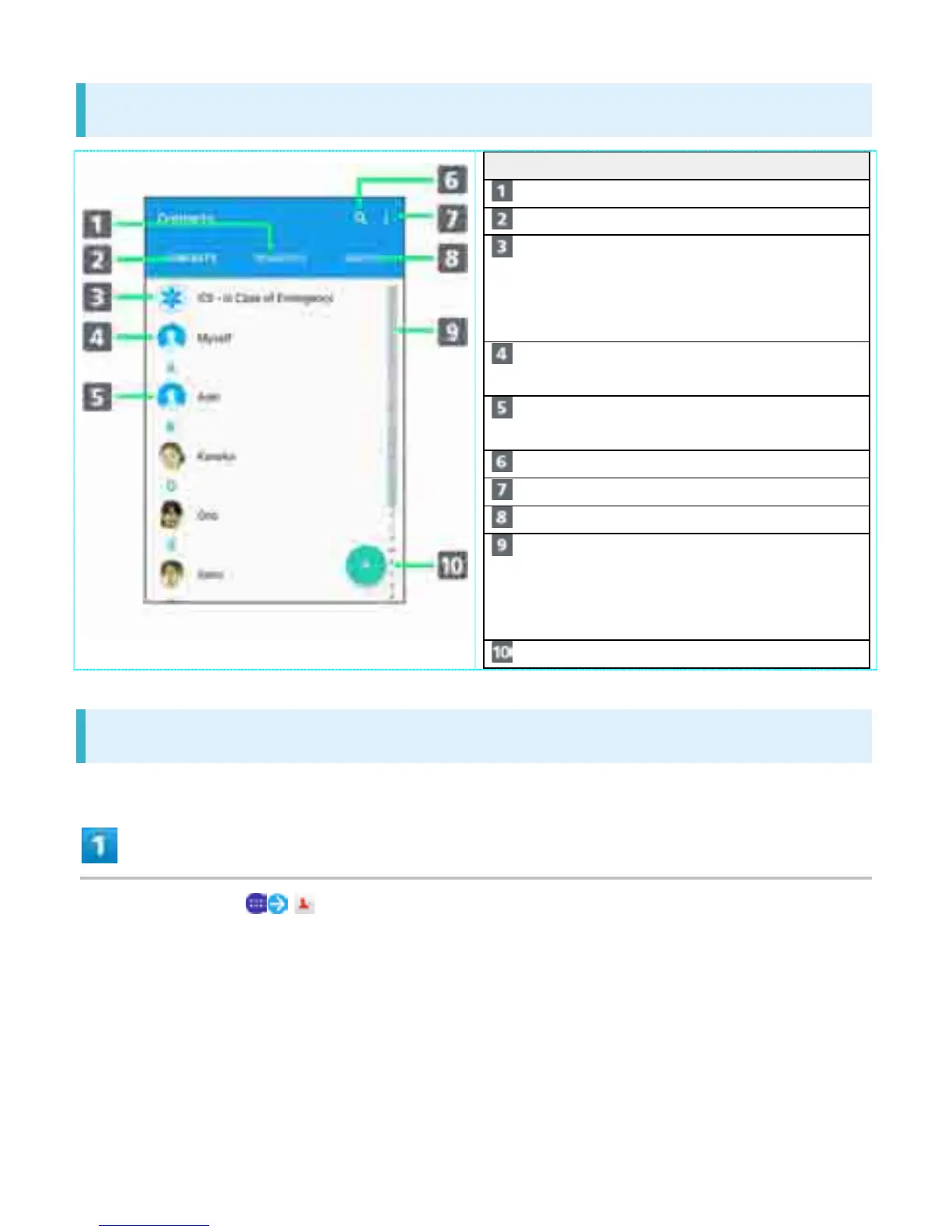
Contacts Screen Layout
Item Description
Favorites tab Show Favorites list.
Contacts tab Show contacts list.
ICE Save medical
information or
relatives' contacts in
case of emergencies.
Myself View or edit your
contact.
Contact Tap to show contact
details.
Search Search contacts.
Menu Make contact settings.
Groups tab Show contact groups.
Index Show index to search
contact by Japanese
syllabary or
alphabetical order.
Add new Add a new contact.
Editing Contacts
In Home Screen, (Contacts)
42



 To Next Page