Google account creation is completed.
To create a second or subsequent Google account, Sync setting window appears next.
Logging In with a Google Account
If an application is activated that requires a Google account, Add a Google Account appears. Sign in
with the obtained Google account to use the application.
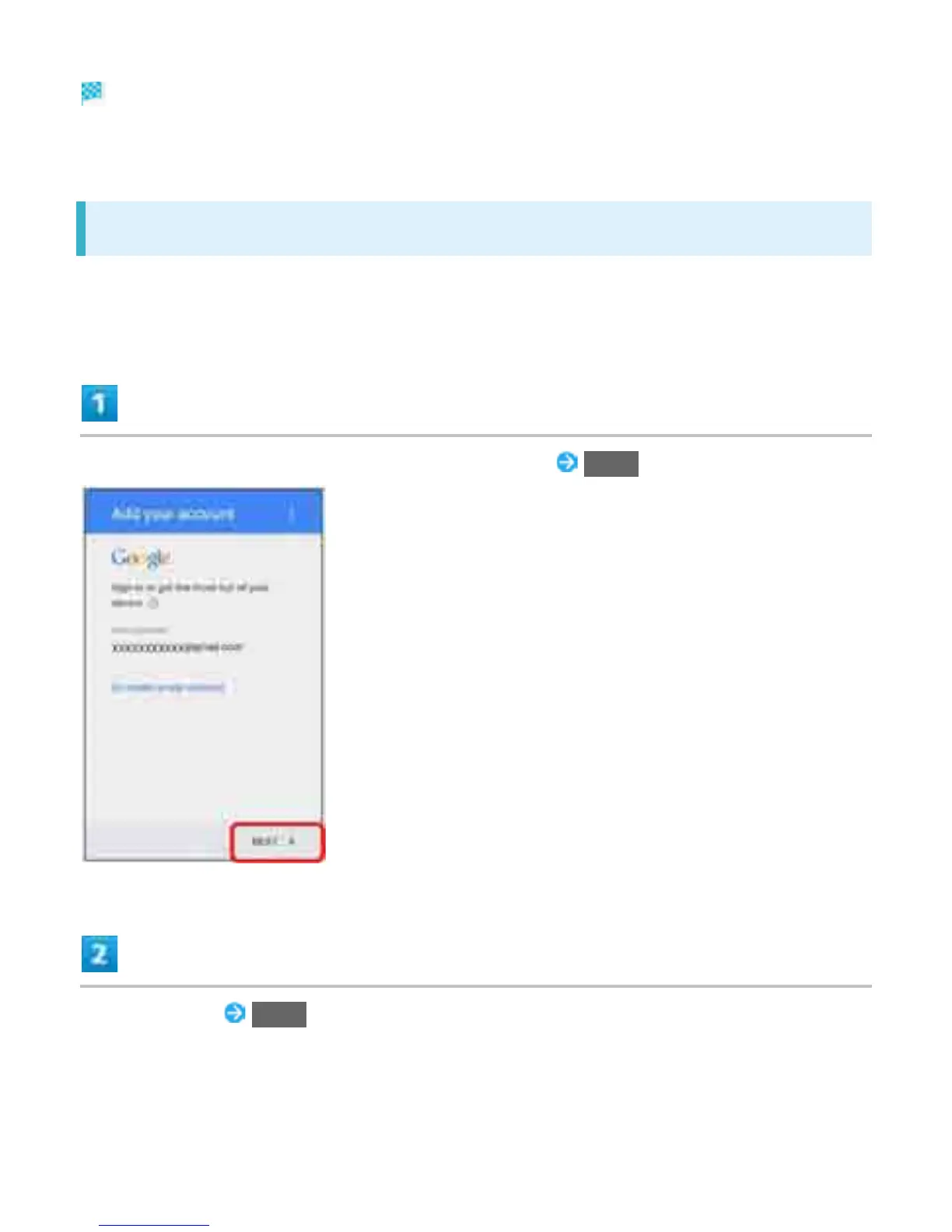
Enter mail address on Add a Google Account screen NEXT
Enter password NEXT
34



 To Next Page