Basic Operation
Ð
Home Screen & Applications List
Ð
Navigation Bar
Ð
Selecting Options and Navigating Screens
Ð
Menu Operations
Ð
Handset Settings and Making Settings
Ð
Portrait Orientation & Landscape Orientation
Ð
Capturing Screenshots
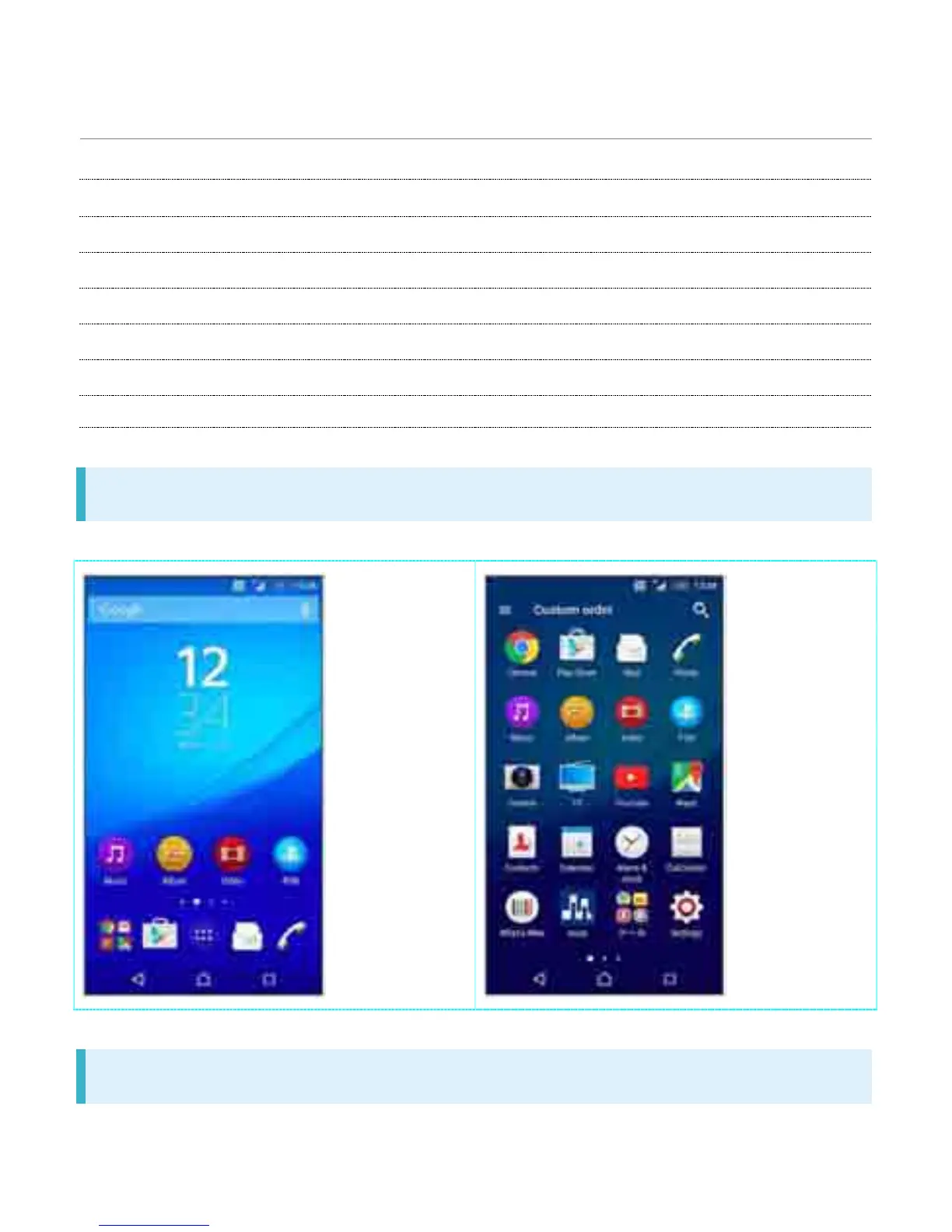
Home Screen & Applications List
Most handset operations start in Home Screen (appears at power on) or in Applications List.
Navigation Bar
Key icons are shown in Navigation Bar at the bottom of window. Tap Key icon to operate.
1



 To Next Page