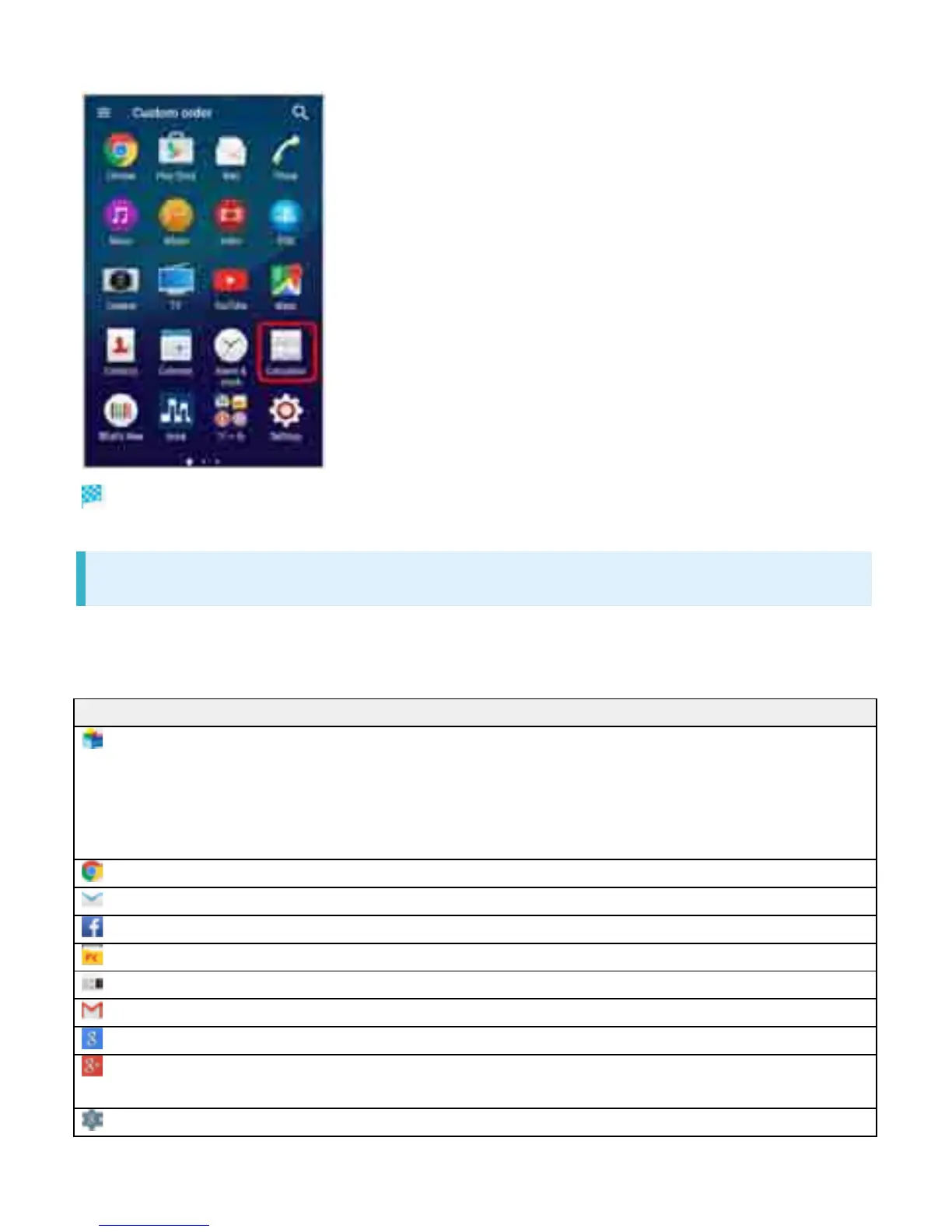
Application is activated.
Applications List
Applications pre-installed by default are as follows.
In Applications list, some applications are contained in "䝒䞊䝹," "Sony Service," "SoftBank" and "
Ᏻᚰ䞉Ᏻ" folders.
Icon Function/Service
(App Pass) All-you-can-download service application for top-rated and standard paid
applications in tool, entertainment, music, fortune-telling, game, lifestyle,
or business categories.
Receive perks such as free tickets for purchasing additional items every
month.
(Chrome) Access Internet via Google Chrome.
(Email) Send and receive emails. Multiple accounts can be set.
(Facebook) Launch Facebook client application.
(File Commander) Search for still images, videos, music, or downloaded files.
(FM radio) Use FM radio.
(Gmail) Send or receive mails for Google accounts.
(Google) Search on handset or web pages by keywords.
(Google+) Launch "Google+" social networking client application provided by
Google.
(Google Settings) Make settings for Google applications.
7



 To Next Page