Purchase applications at your own risk. SoftBank Corp. is not responsible for any
disadvantage resulting for user or third parties.
Updating Applications
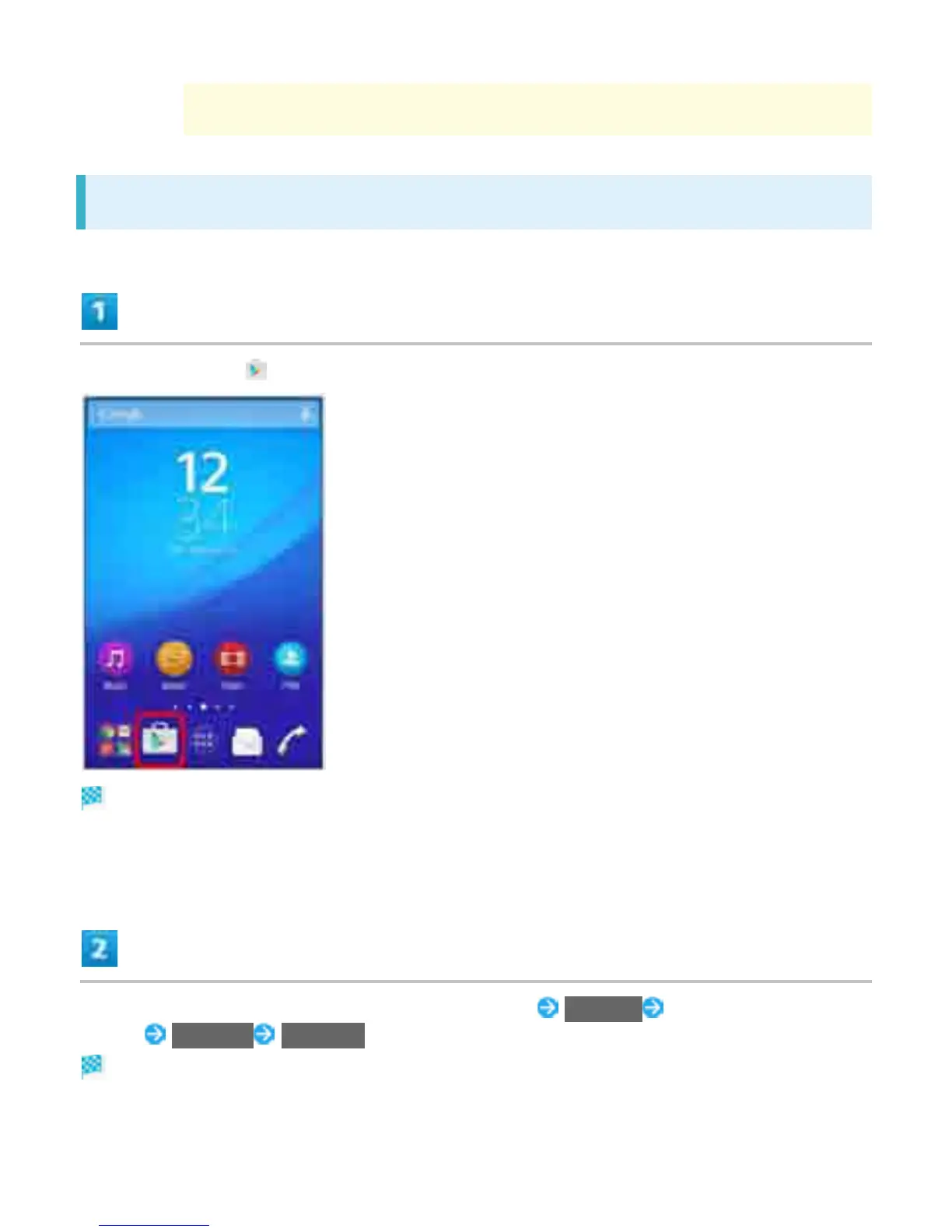
In Home Screen, (Play Store)
Google Play appears.
If confirmation appears, follow onscreen instructions.
Flick right from the left end of Google Play window My apps Tap application to
update UPDATE ACCEPT
Application is downloaded and installed.
If confirmation appears, follow onscreen instructions.
39



 To Next Page