Viewing Captured Still Images/Videos
(Album)
Ð
Showing Still Images/Videos
Showing Still Images/Videos
Show captured or downloaded still images/videos. Supported file formats are as follow.
Type File Format
Still image JPEG (.jpeg, .jpg), GIF (.gif), PNG (.png), BMP (.bmp), WEBP (.webp)
Video H263 (.3gp, .3gpp, .mp4, .m4v), H264 (.3gp, .3gpp, .mp4, .m4v, .mnv),
H265 (.mp4), MPEG2 (.ts), MPEG4 (.3gp, .3gpp, .mp4, .m4v), VP8
(.webm, .mkv), VP9 (.webm), Xvid (.avi, .xvid, .mkv)
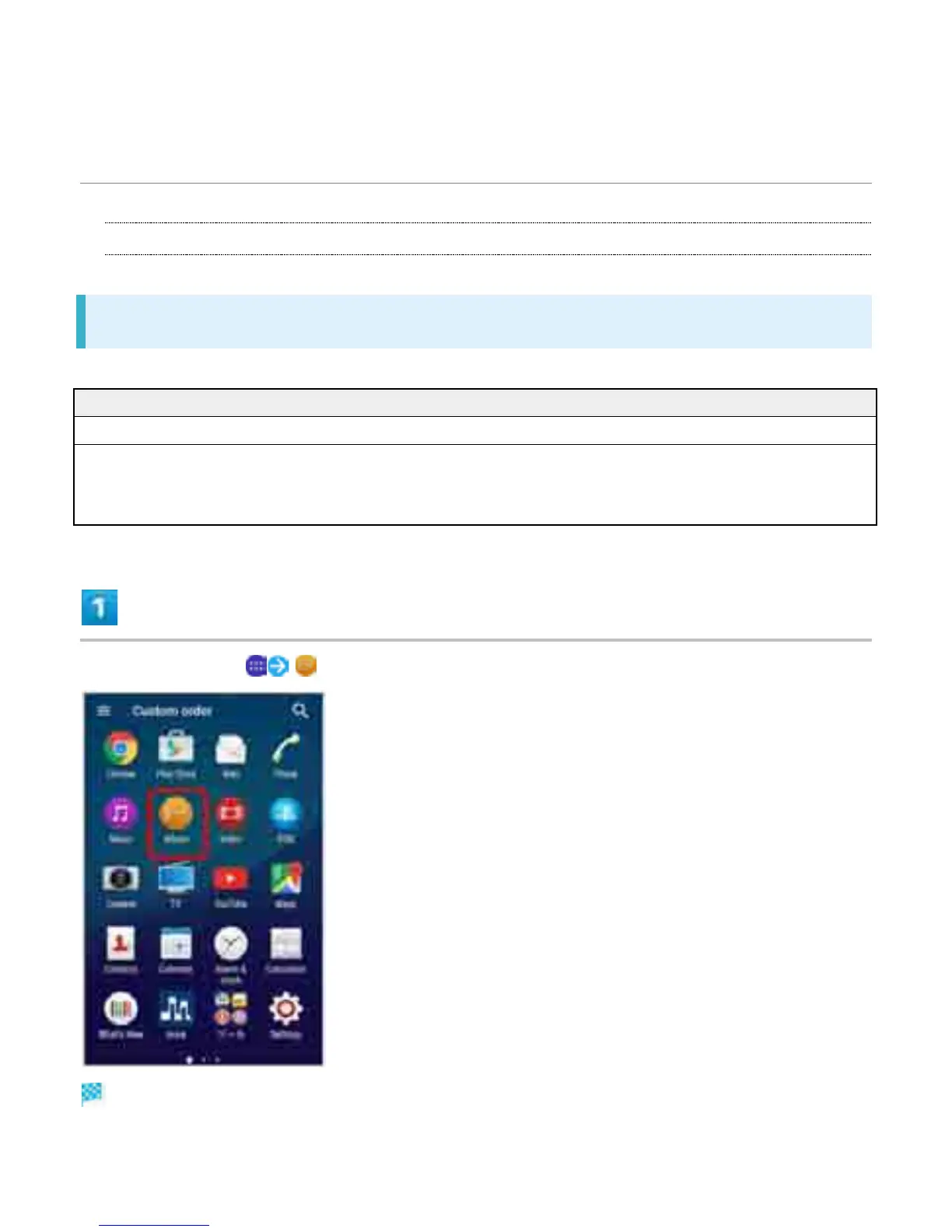
In Home Screen, (Album)
Images are shown in chronological order.
8



 To Next Page