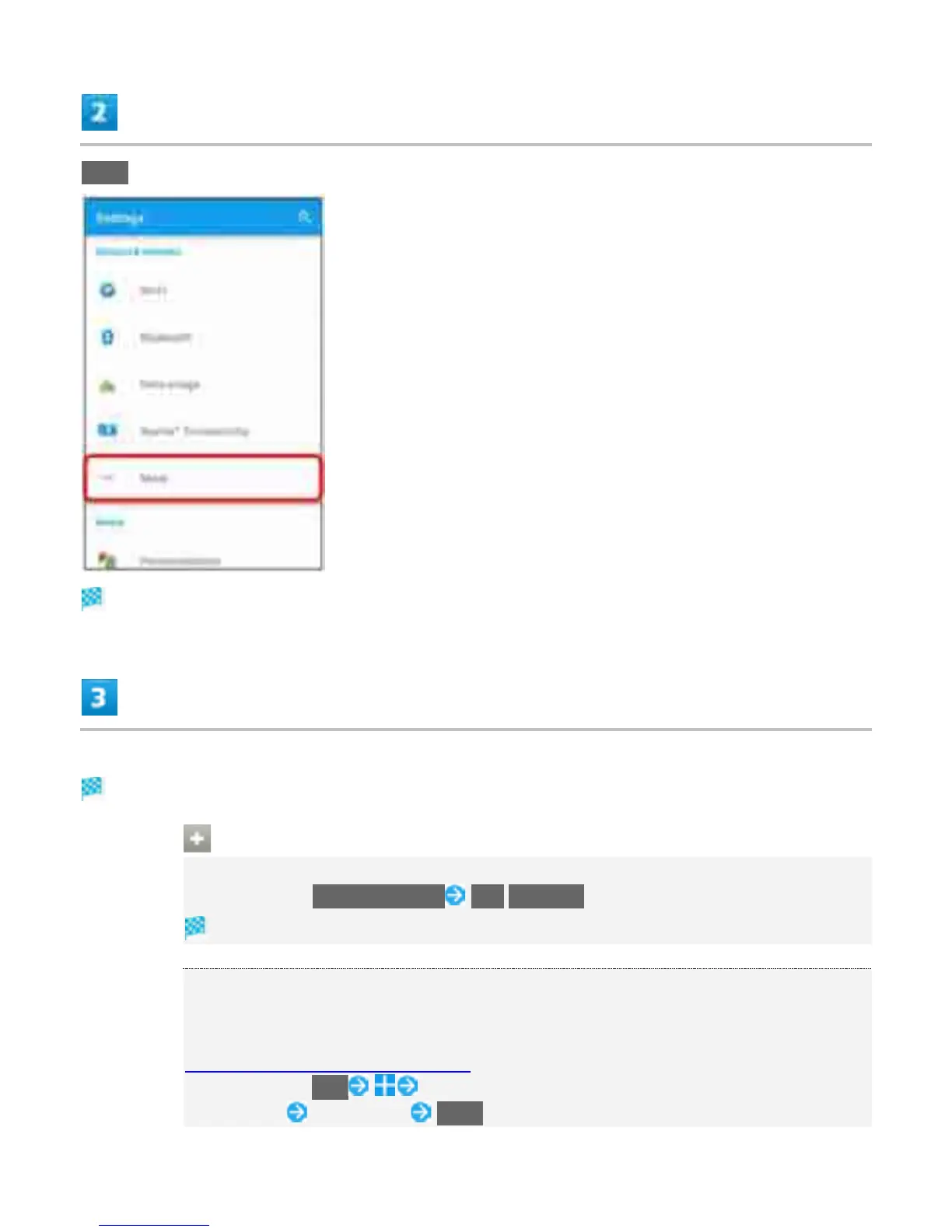
More
More screen open.
Set items
Setting is complete.
Operations in More
Setting Default SMS Application
In More screen, Default SMS app Mail/Hangouts
Default SMS application is set.
Setting VPN
To set VPN access from handset, obtain security information from network administrator
in advance. For details, visit the website.
http://www.sonymobile.co.jp/support/
In More screen, VPN Tap items following instructions of the network
administrator Set contents SAVE
16



 To Next Page