Set items SAVE
Alarm is set.
To disable Alarms, in Alarm screen, Tap ( ).
Alarm Operations
Viewing Desk Clock
In alarm screen, Desk clock
Deleting Alarms
In alarm screen, Delete alarms Tap target alarm ( ) DELETE YES
Using World Clock
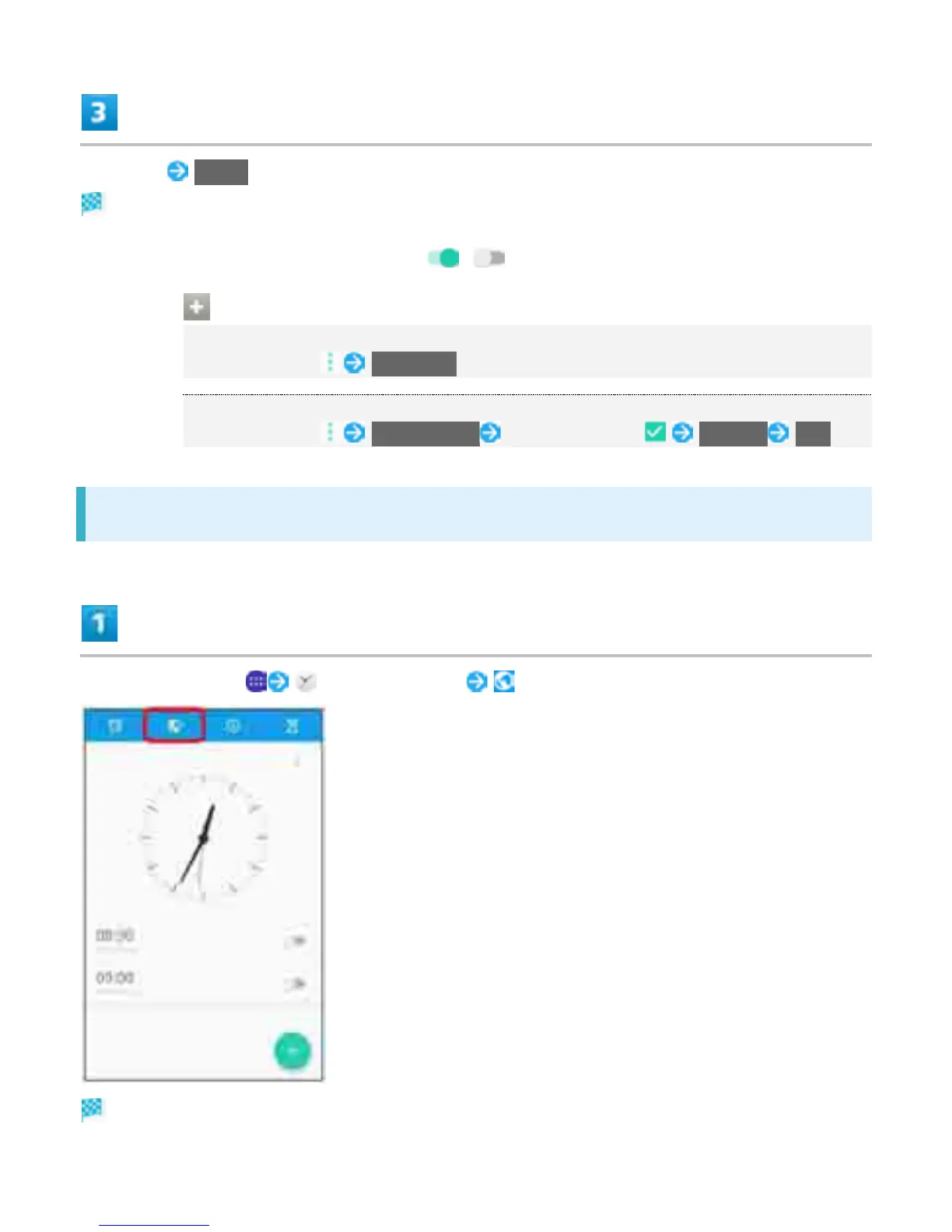
In Home Screen, (Alarm & clock) (World clock)
World clock appears.
22



 To Next Page