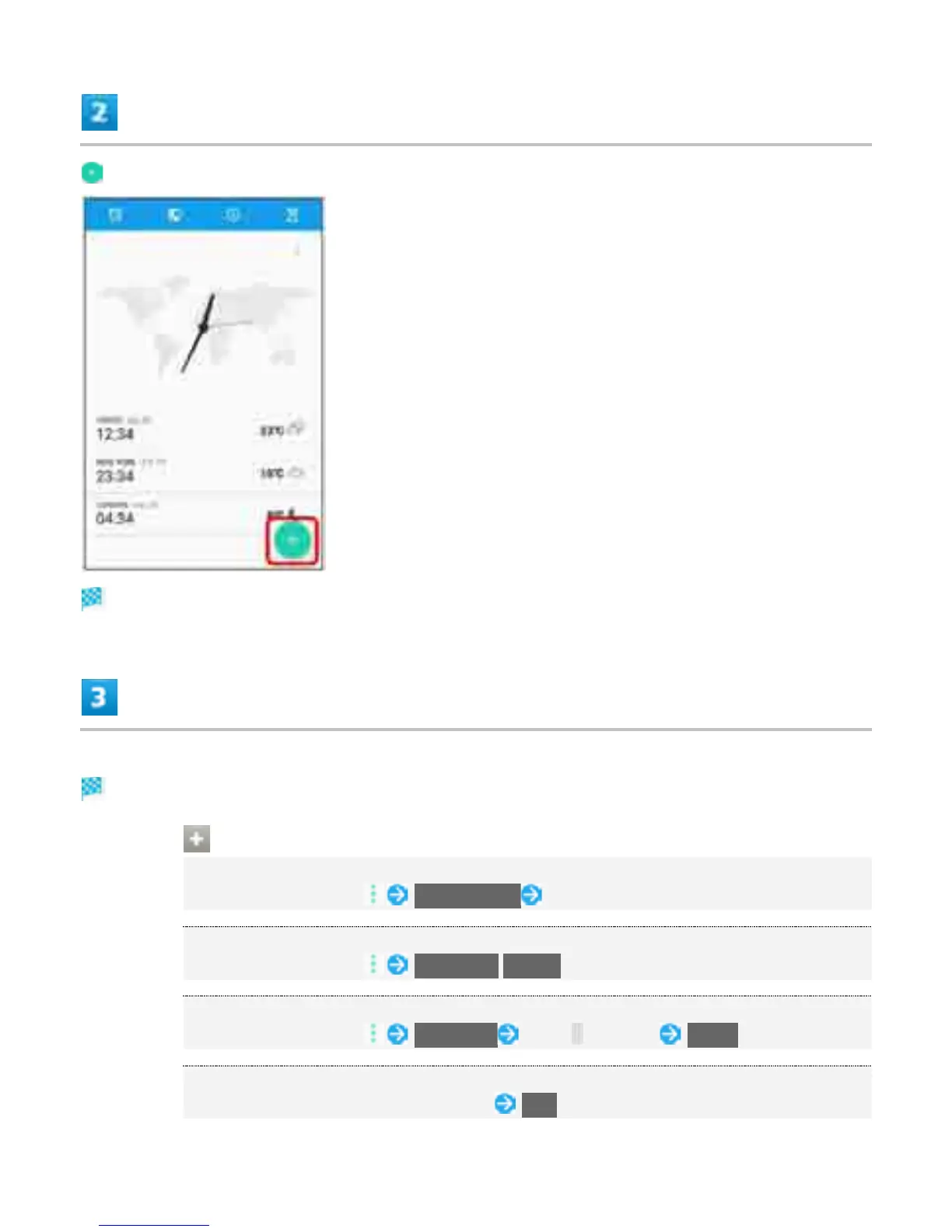
City list opens.
Tap city to add
City is added to world clock screen.
World Clock Operations
Setting Home City
In world clock screen, Set home city Tap city
Switching Celsius/Fahrenheit
In world clock screen, Fahrenheit/Celsius
Rearranging Cities
In world clock screen, Rearrange Drag up/down DONE
Deleting
In world clock screen, Touch & Hold city YES
23



 To Next Page