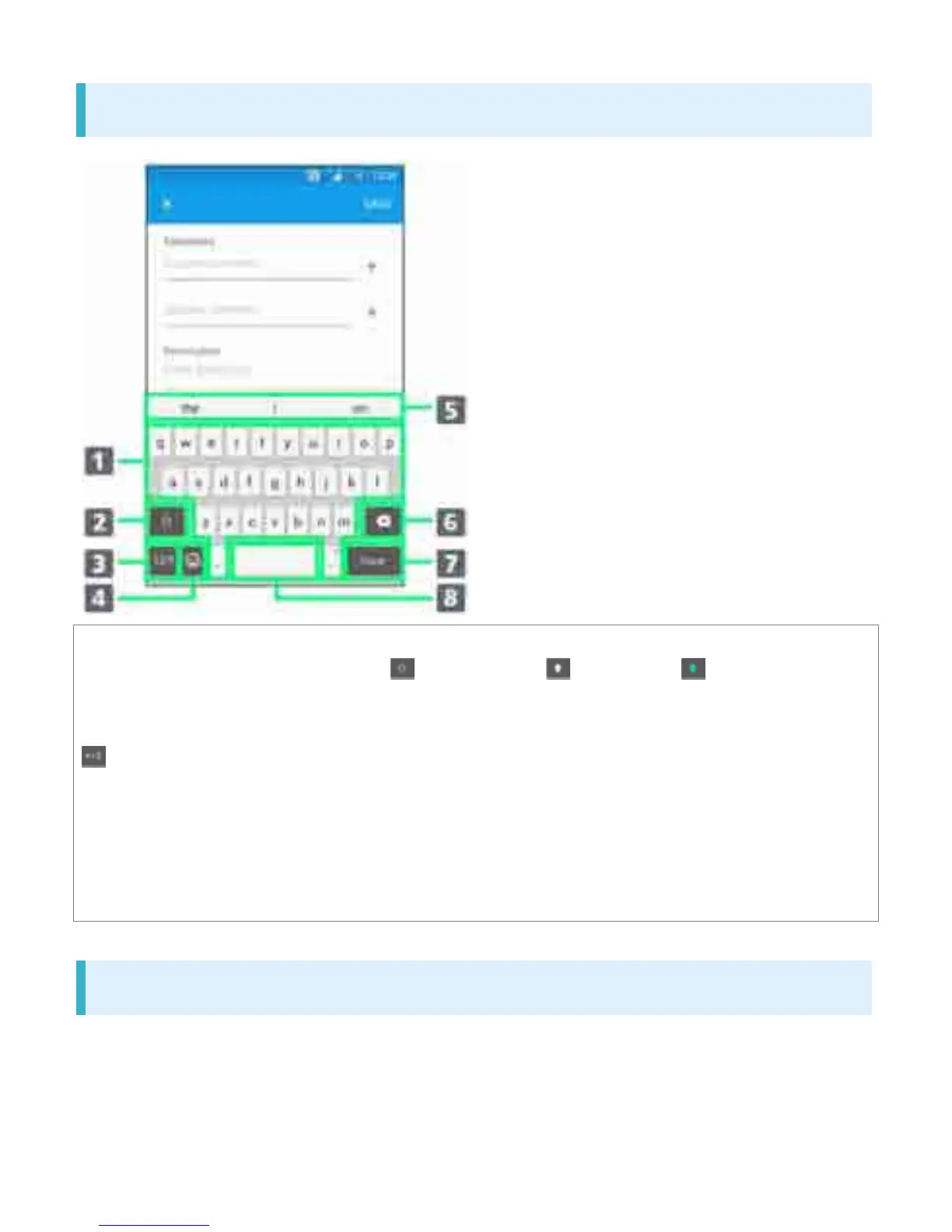
Switch between lower-case , upper-case , and caps . For some
languages, this key is used to access extra characters in the language.
Toggle with numbers and symbols keyboard. For even more symbols, Tap
.
Show Emoticon/Pictogram list.
Delete a character before cursor.
Enter line break or confirm text input.
Enter a space.
Entering Alphabet
To enter character visible on keyboard, Tap the character.
To enter character variant, Touch & Hold keyboard character to show option list, then select from
the list.
To enter a period, Double-Tap the space bar.
18



 To Next Page