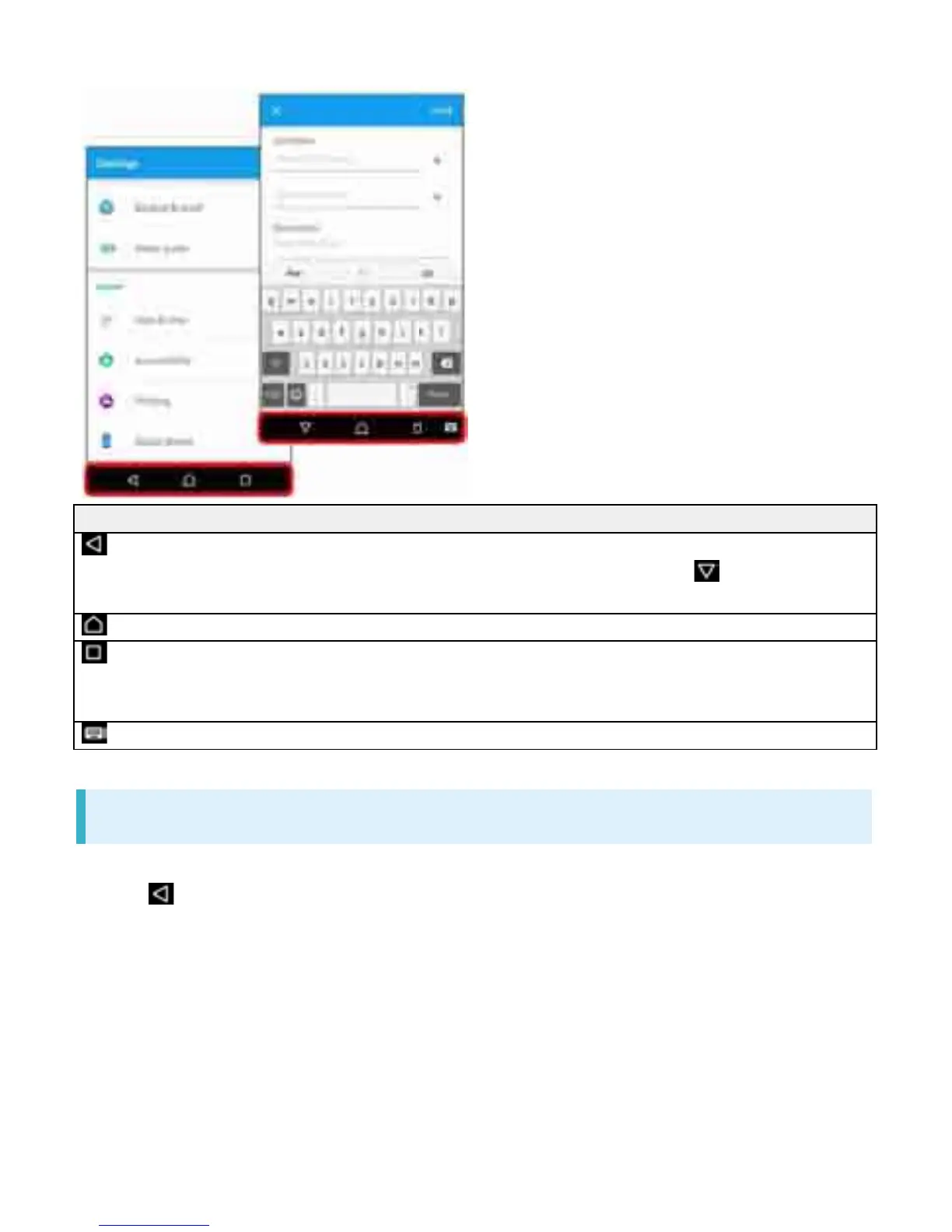
Item Description
(Back) Go back to previous screen. When keyboard is
displayed, this changes to . Tap it to close
keyboard.
(Home) Go to Home Screen.
(History) Open recently-used applications list to launch or
delete the applications from the list. Or use or set
small apps.
(Keyboard) Change keyboard.
Selecting Options and Navigating Screens
Tap items, icons, onscreen keys, etc. to open assigned items.
Tap to go back to previous screen.
2



 To Next Page