Tethering window opens.
If tethering option screen appears, follow onscreen instructions.
Connect handset and PC with Micro USB Cable
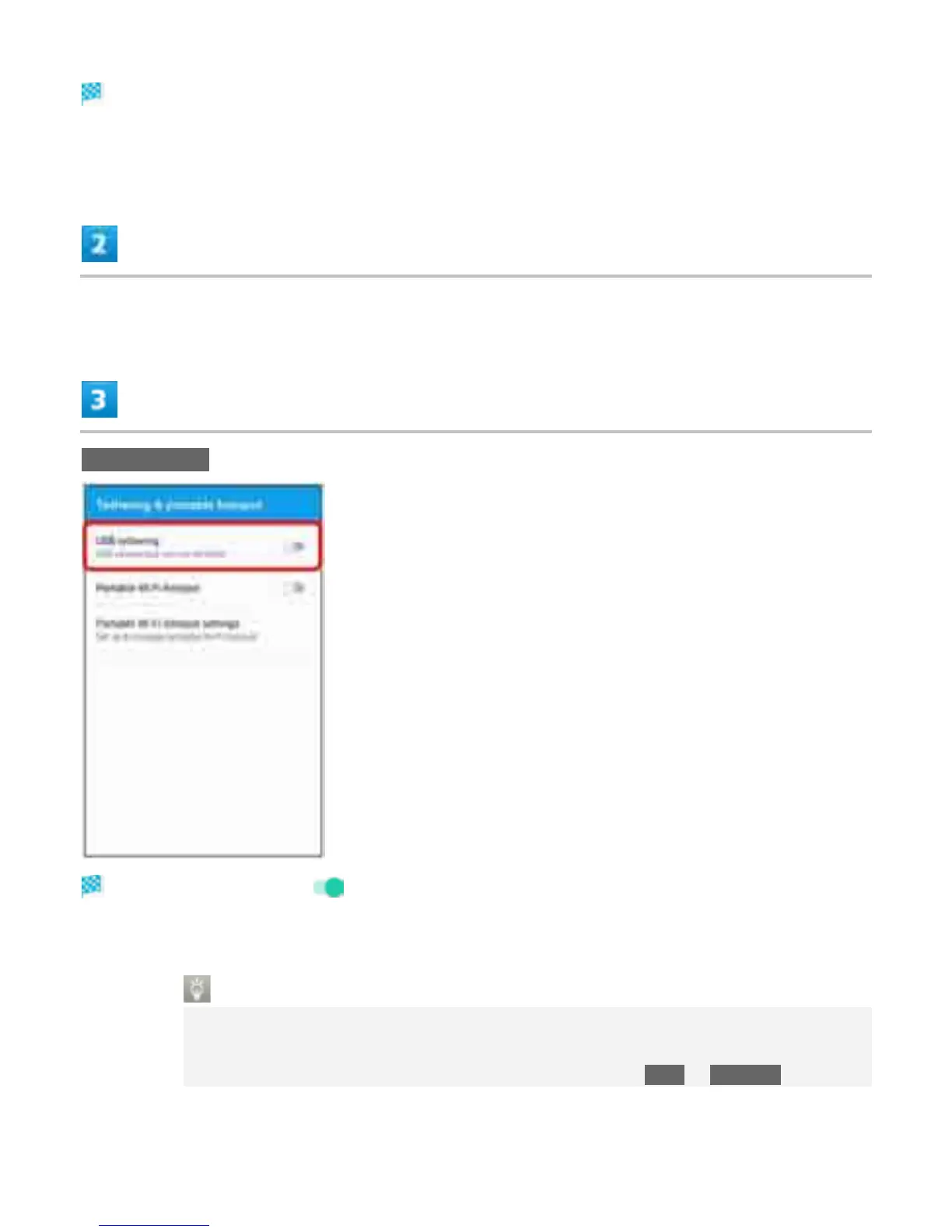
USB tethering
USB tethering is enabled ( ).
If confirmation appears, follow onscreen instructions.
USB Connection
If connecting Micro USB Cable for the first time, driver software of handset is installed to
PC. Wait for a while until installation is completed.
When "Install software" screen appears on handset, Tap SKIP or CANCEL.
20



 To Next Page