Using Notifications Window/Quick Settings
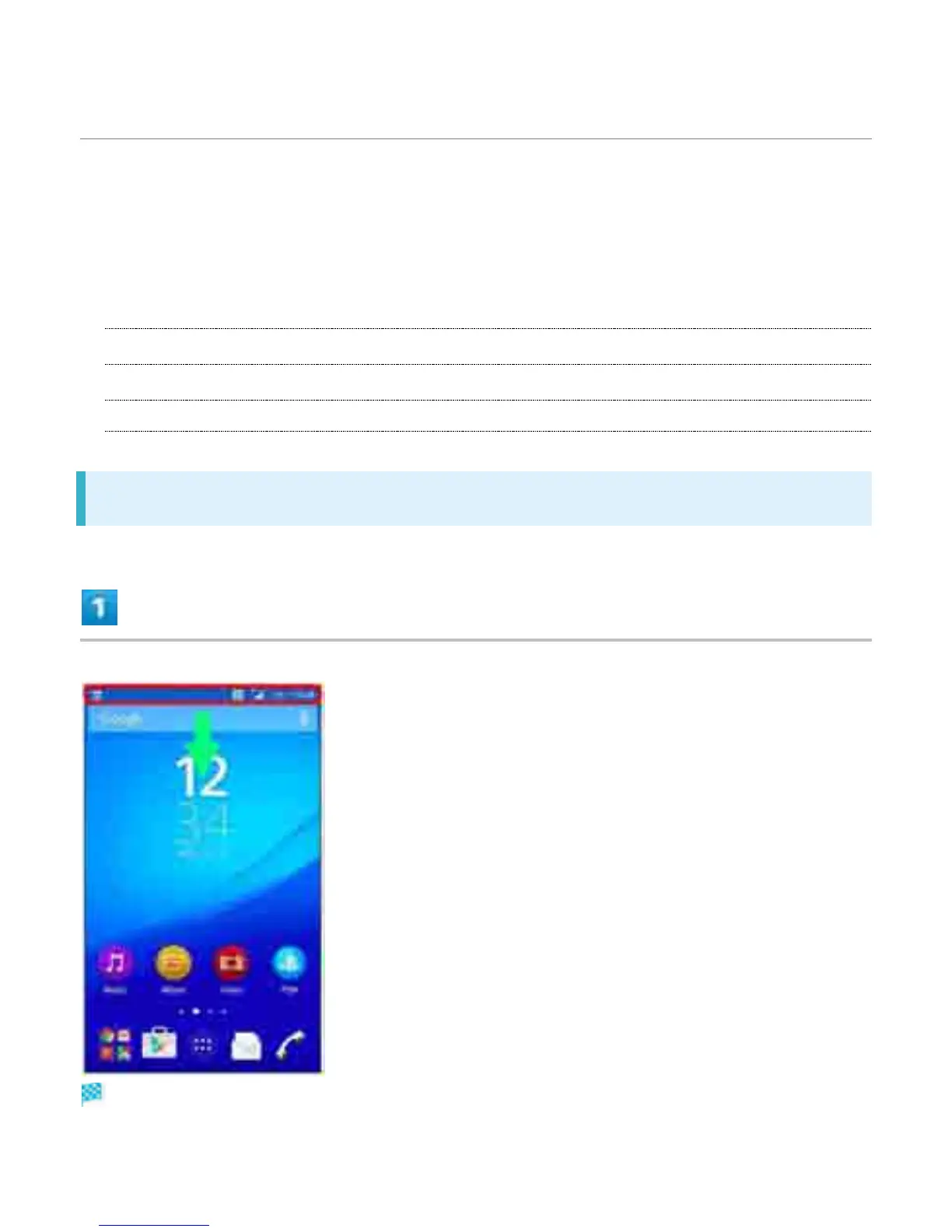
Drag Status Bar down to open Notifications Window. Open Notification Indicators to
check details.
Drag Notifications Window down to open Quick Settings. Tap icons on Quick Settings to
set each function On/Off.
Ð
Opening Notifications Window/Quick Settings
Ð
Notifications Window Layout
Ð
Quick Settings Layout
Opening Notifications Window/Quick Settings
Drag Status Bar down
Notifications Window opens.
6



 To Next Page