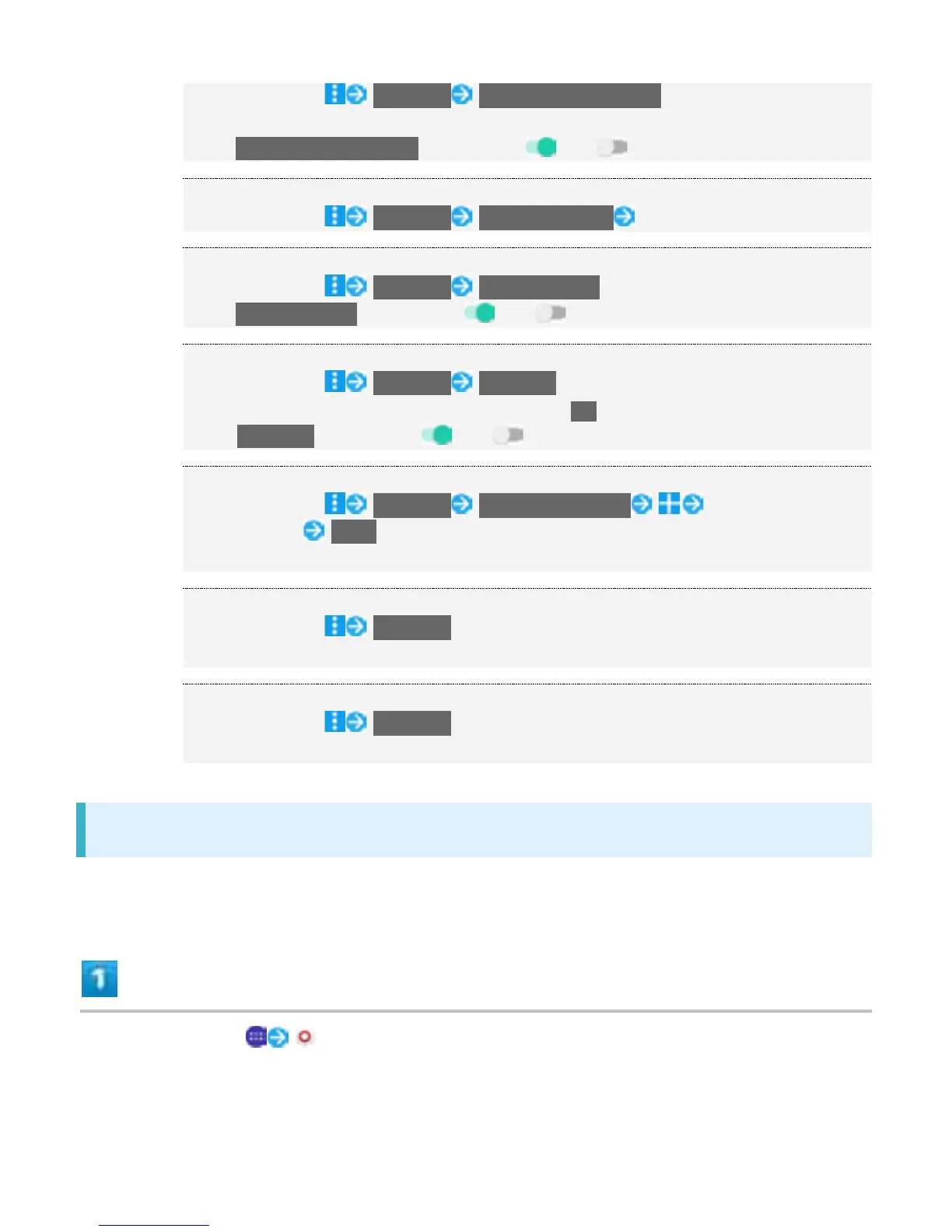
In Wi-Fi settings, Advanced Avoid poor connections
Available when Wi-Fi is on.
Tap Avoid poor connections to toggle on ( )/off ( ).
Installing Certificates
In Wi-Fi settings, Advanced Install certificates Follow onscreen instructions
Enabling Auto IP Support
In Wi-Fi settings, Advanced Auto IP support
Tap Auto IP support to toggle on ( )/off ( ).
Enabling Automatic Connection with Available Passpoint Networks
In Wi-Fi settings, Advanced Passpoint
If enabling, read onscreen information and Tap OK.
Tap Passpoint to toggle on ( )/off ( ).
Setting Passpoint Networks
In Wi-Fi settings, Advanced Passpoint networks Enter passpoint
network setting SAVE
Setting is available when Wi-Fi is ON.
Checking MAC Address
In Wi-Fi settings, Advanced
MAC address appears below "MAC address."
Checking IP Address
In Wi-Fi settings, Advanced
IP address appears below "IP address."
Selecting a Network Connection
Select a scanned Wi-Fi network and connect.
In Home Screen, (Settings)
6



 To Next Page