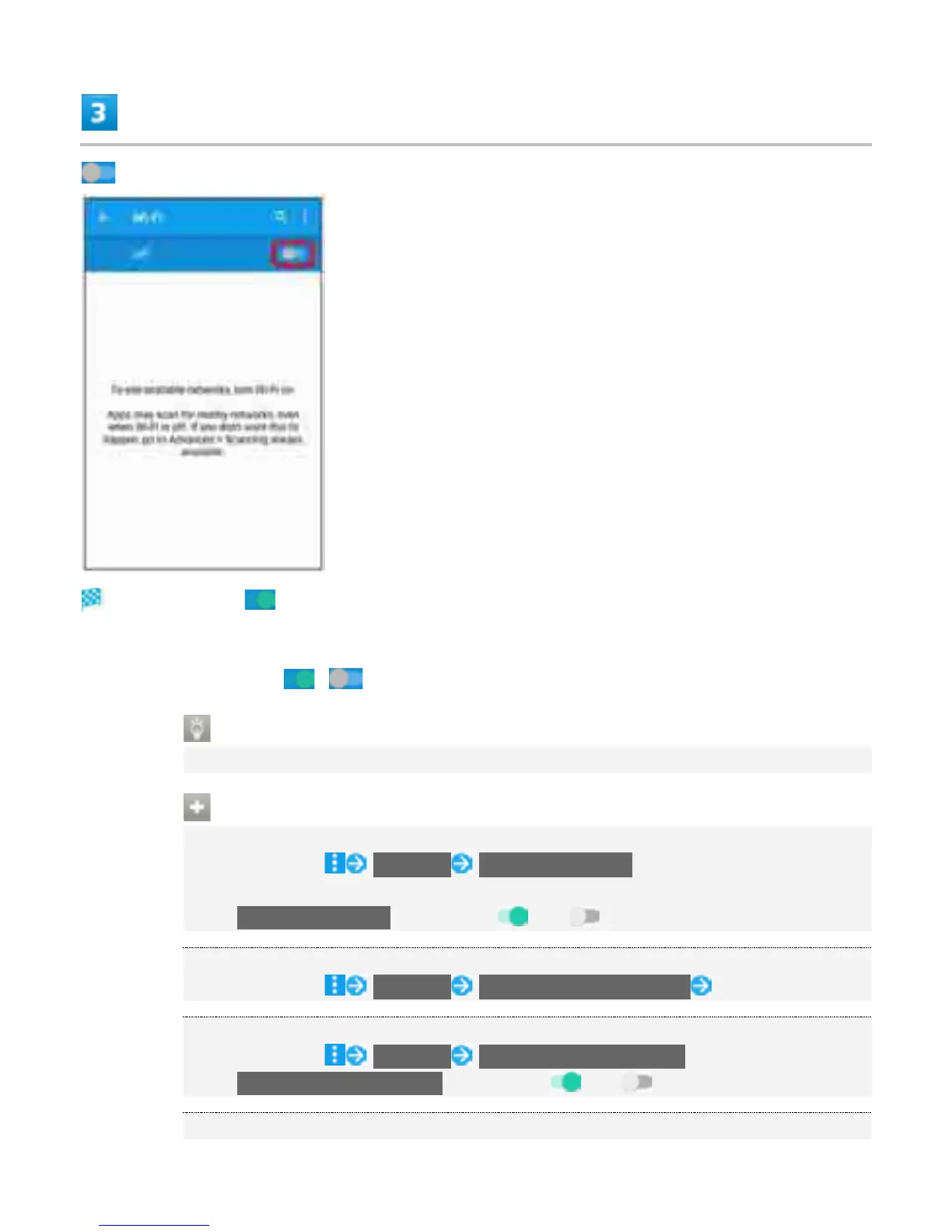
Wi-Fi is enabled ( ).
Access points are scanned. Available access points appear after scanning.
To disable Wi-Fi, Tap ( ).
Wi-Fi and Mobile Data Traffic
Mobile data traffic is available even when Wi-Fi is on.
Wi-Fi Operations
Enabling Notification when Open Network Is Available
In Wi-Fi settings, Advanced Network notification
Available when Wi-Fi is on.
Tap Network notification to toggle on ( )/off ( ).
Setting Timing for Pausing Connection
In Wi-Fi settings, Advanced Keep Wi-Fi on during sleep Tap setting item
Enabling Scanning with Location Services or Applications while Wi-Fi Is Off
In Wi-Fi settings, Advanced Scanning always available
Tap Scanning always available to toggle on ( )/off ( ).
Enabling Wi-Fi Only for Stable Connection
5



 To Next Page