Home
Sony
Cell Phone
Xperia
Page 149
Sony Xperia - Page 149
534 pages
Manual
Save Page as PDF
To Next Page
To Next Page
To Previous Page
To Previous Page
Loading...
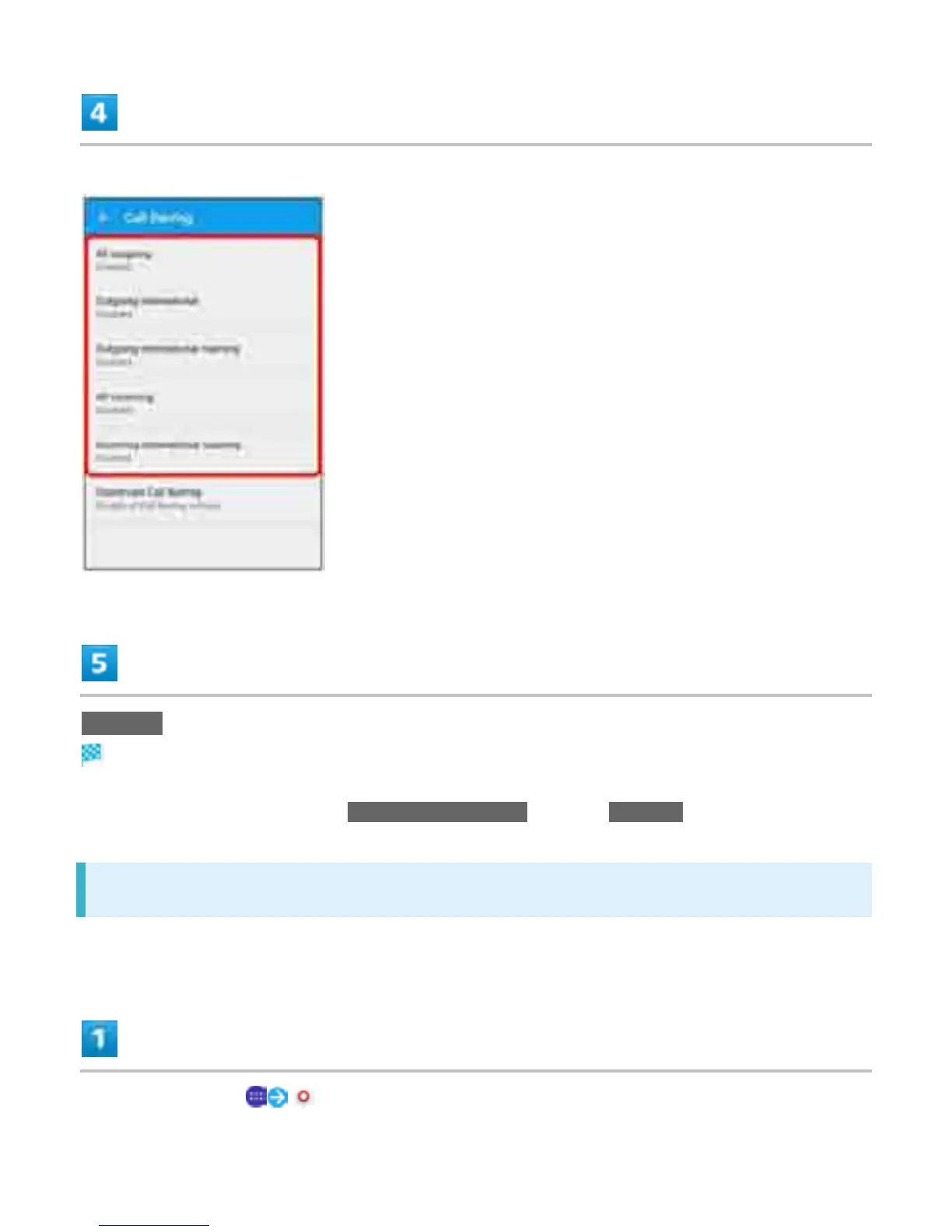
T
ap target option
to restri
ct
ENABLE
Call Barring
is set.
T
o disabl
e all call
barring,
T
ap
Deactiv
ate Call Barring
, then
T
ap
DISABLE
.
Using V
oL
TE (V
oice Call Using L
TE)
This service requires subscription.
In Home
Screen,
(Settings)
31
148
150
Table of Contents
Main Page
Accessing Instructions on Handset
2
Launching Guide
2
Using Guide
6
Parts and Functions
8
CE Mark and FCC ID
10
Handling SIM Card
11
Inserting SIM Card
12
Removing SIM Card
14
Unlocking SIM Card
16
Internal Memory and SD Card
17
Handling SD Card
17
Inserting SD Card
17
Unmounting SD Card
20
Removing SD Card
22
Formatting SD Card
24
Charging Battery
27
Charging with AC Charger
27
Power On/Off
29
Powering off
29
Using Touchscreen
31
Touch and Hold
31
Making Initial Settings
34
Basic Operation
38
Home Screen & Applications List
38
Navigation Bar
38
Selecting Options and Navigating Screens
39
Menu Operations
40
Handset Settings and Making Settings
41
Capturing Screenshots
42
Launching Applications
43
Applications List
44
Checking Your Phone Number
49
Using Silent Mode
51
Using Airplane Mode
52
Text Entry
54
Keyboard Layout
55
Other Options
62
Using a Google Account
63
Logging in with a Google Account
71
Enter Password
71
Google Play
73
Installing Applications
73
Installing Free Applications
73
Purchasing Paid Applications
74
Purchasing Applications
75
Updating Applications
76
Application Updates
77
Uninstalling Applications
77
Security Codes
79
Enabling SIM PIN
80
Changing SIM PIN
81
Unlocking Screen
83
Before Updating Software
85
Home Screen Basics
88
Home Screen Layout
88
Toggling Home Screen Sheets
89
Status Bar
90
Status Bar Layout
90
Main Notification Indicators
90
Main Status Indicators
91
Using Notifications Window/Quick Settings
93
Opening Notifications Window/Quick Settings
93
Notifications Window Layout
95
Quick Settings Layout
96
Activating/Canceling Recently-Used Applications
97
Using Small Apps
101
Favorites Bar
102
Rearranging Home Screen
109
Changing Wallpaper
109
Changing Themes
110
Adding Shortcuts
112
Adding Widgets
114
Adding Folders
117
Changing Folder Names
118
Placing/Answering Calls
119
Placing Calls
120
Answering Calls
124
Missed Calls
125
Placing a Call from Contacts/Call History
128
Optional Services
133
Using Call Forwarding
133
Using Voicemail
137
Using Call Waiting
140
Using Group Calling
143
Enter Phone Number
143
Using Caller ID Notification
144
Using Call Barring
147
Making Call Settings
152
Set Items
154
Using Contacts
156
Adding New Contacts
156
Checking Contacts
158
Contacts Screen Layout
160
Editing Contacts
160
Deleting Contacts
162
Importing Contacts
165
Backing up Contacts
168
S! Mail Initial Setup
172
Thread List/Folder List
177
Folder List
179
Sending S! Mail/Sms
181
Sending Decore Mail by S! Mail
186
Using a Template
186
Opening & Replying to S! Mail/Sms
189
Managing S! Mail/Sms
195
Operations When Creating S! Mail/Sms
220
Attaching Files
220
Setting Priority Levels
226
S! Mail/Sms Settings
232
Common Settings
232
Using Gmail
240
Adding an Account
240
Switching Accounts
241
Creating/Sending Gmail
243
Opening Gmail
246
Deleting an Account
248
Using E-Mail
251
Setting an Account
251
Creating/Sending Email
254
Opening Email
257
Using Chrome
262
Adding Bookmarks
264
Opening New Tabs
268
Capturing Still Images/Videos
271
Capturing Still Images
272
Capturing Videos
274
Viewing Captured Still Images/Videos (Album)
278
Showing Still Images/Videos
278
Editing Captured Still Images (Album)
280
Sharing Still Images and Videos
285
Making Camera Settings
290
Set Items
295
Recording/Playing Back Programs
305
Recording Programs
305
Playing Back Recorded Programs
307
Recording/Viewing at Preset Times
310
Using Urgent News
316
Using Google Maps
319
Google Maps Operations
321
Using Hangouts
322
Using Google Search
325
Using Calculator
327
Using Calendar
329
Checking Events
331
Using Alarm & Clock
335
Setting Alarms
335
Alarm Operations
337
Using World Clock
337
Using Stopwatch
339
Using Timer
340
Using Twitter
343
Using Facebook
345
Using Youtube
347
Viewing Videos
347
Listening to Music (Music)
349
Playing Music
349
Using PC Files
351
Viewing Documents
353
Using Nfc/Osaifu-Keitai
355
Using Downloads
364
Using Drive
365
Using Play Books
366
Using Play Movies & TV
367
Using Play Games
368
Playing Games
368
Using Google
369
Using Google Settings
370
Connecting to PC Via USB
371
Connecting Via Wi-Fi
373
Selecting a Network Connection
376
Using Wi-Fi Direct
385
Using USB Tethering
389
Usb Connection
390
Using Wi-Fi Tethering
391
Using Bluetooth
393
Enabling Bluetooth
394
Using DLNA Function
406
Before Using Handset Abroad
415
Setting the Carrier
418
Making Calls While Abroad
424
Handset Settings
430
Data Usage
438
Xperia™ Connectivity
441
Set Items
445
Sound & Notification
455
Power Management
461
Set Items
474
Language and Input
479
Backup and Reset
482
Date and Time
487
About Phone
495
Saving Data
498
Backing up and Restoring
499
Troubleshooting
500
Check here First
500
Specifications
502
Internal Battery
502
TV Antenna Cable (SODAB1)
503
Warranty and After-Sales Service
504
Customer Service
505
General Information
505
Softbank Global Call Center
506
Safety Precautions
507
Important Product Information
518
Technical Conformity
520
Notes on Using Bluetooth
521
Notes on Using 2.4 Ghz Devices
523
Notes on Using 5 Ghz Devices
523
Handset Waterproofing/Dustproofing
524
Maintaining Waterproof/Dustproof Performance
524
End User License Agreement
529
Export Controls and Regulations
530
Intellectual Property Rights
531
Copyrights and Portrait Rights
531
Other manuals for Sony Xperia
Manual
218 pages
Related product manuals
Sony Xperia X
132 pages
Sony XPERIA Z
3 pages
Sony Xperia L
10 pages
Sony Xperia V
236 pages
Sony Xperia U
19 pages
Sony Xperia M
99 pages
Sony Xperia 1
280 pages
Sony Xperia S
139 pages
Sony Xperia Z1
141 pages
Sony Xperia Z5
100 pages
Sony Xperia Z3
204 pages
Sony Xperia M2
3 pages



 To Next Page