Completing Wi-Fi Connection Setup for S! Mail via Menu Items
If you Tap Set Later at initial startup, complete setup to send/receive S! Mail using Wi-Fi
as follows.
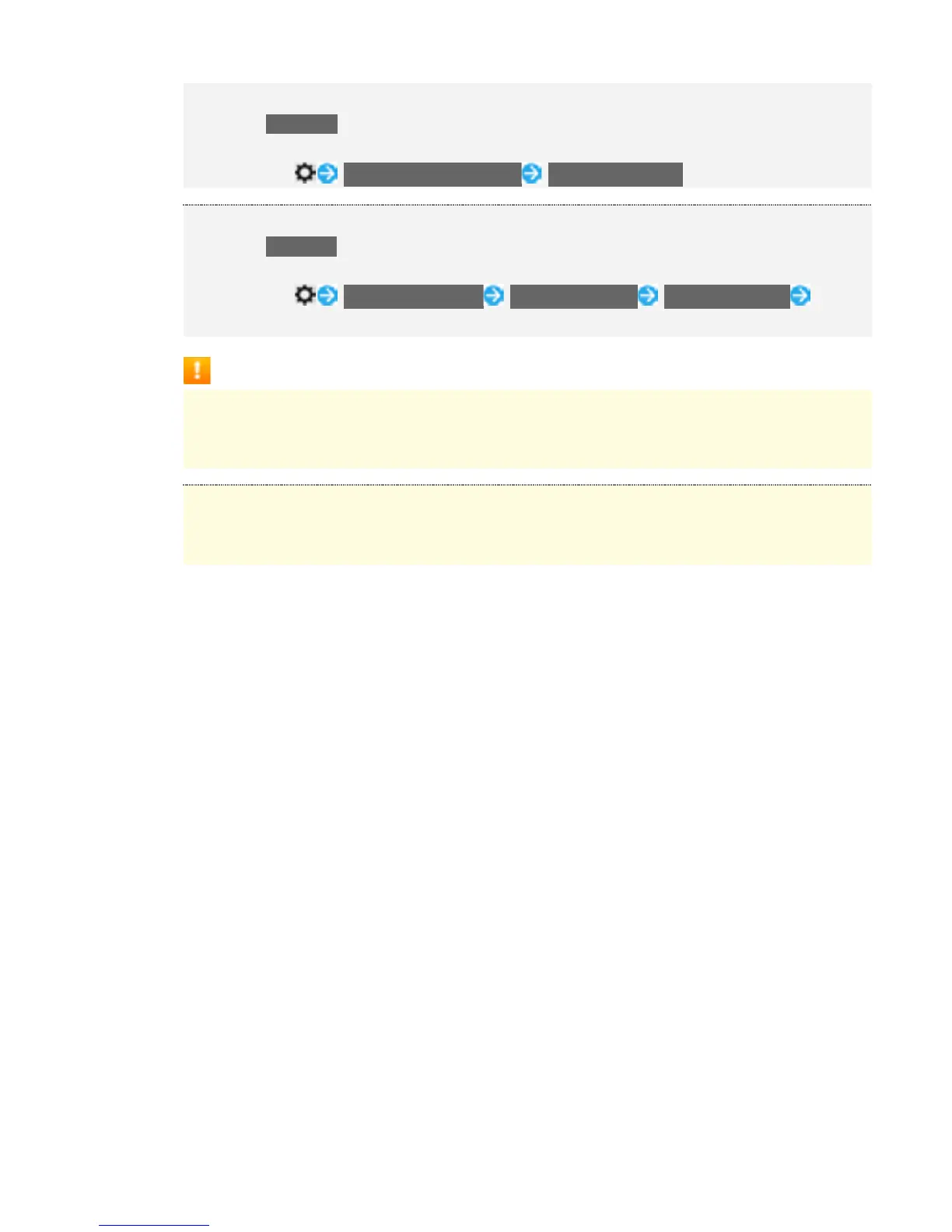
In thread list, Send/Receive Settings Wi-Fi Connection
Importing Mails Received with Default SMS Application Later
If you Tap Set Later at initial startup, complete importing mails received with default SMS
application as follows.
In thread list, Common Settings Mail Save&Load Copy Messages Follow
onscreen instructions
Cautions for Sending/Receiving S! Mail Using Wi-Fi
International S! Mail Transmission Fees
Transmission fees apply when sending international S! Mail messages even if Wi-Fi is in
use.
S! Mail Reception while Display is Completely Dark (Screen Lock Active)
To receive S! Mail messages using Wi-Fi even when Display is completely dark (Screen
lock active), disable Wi-Fi sleep policy in Advanced Wi-Fi settings.
6



 To Next Page