Outgoing History, or Incoming History.
Tap Mail Group to select a mail group and set all the members on the list as recipients.
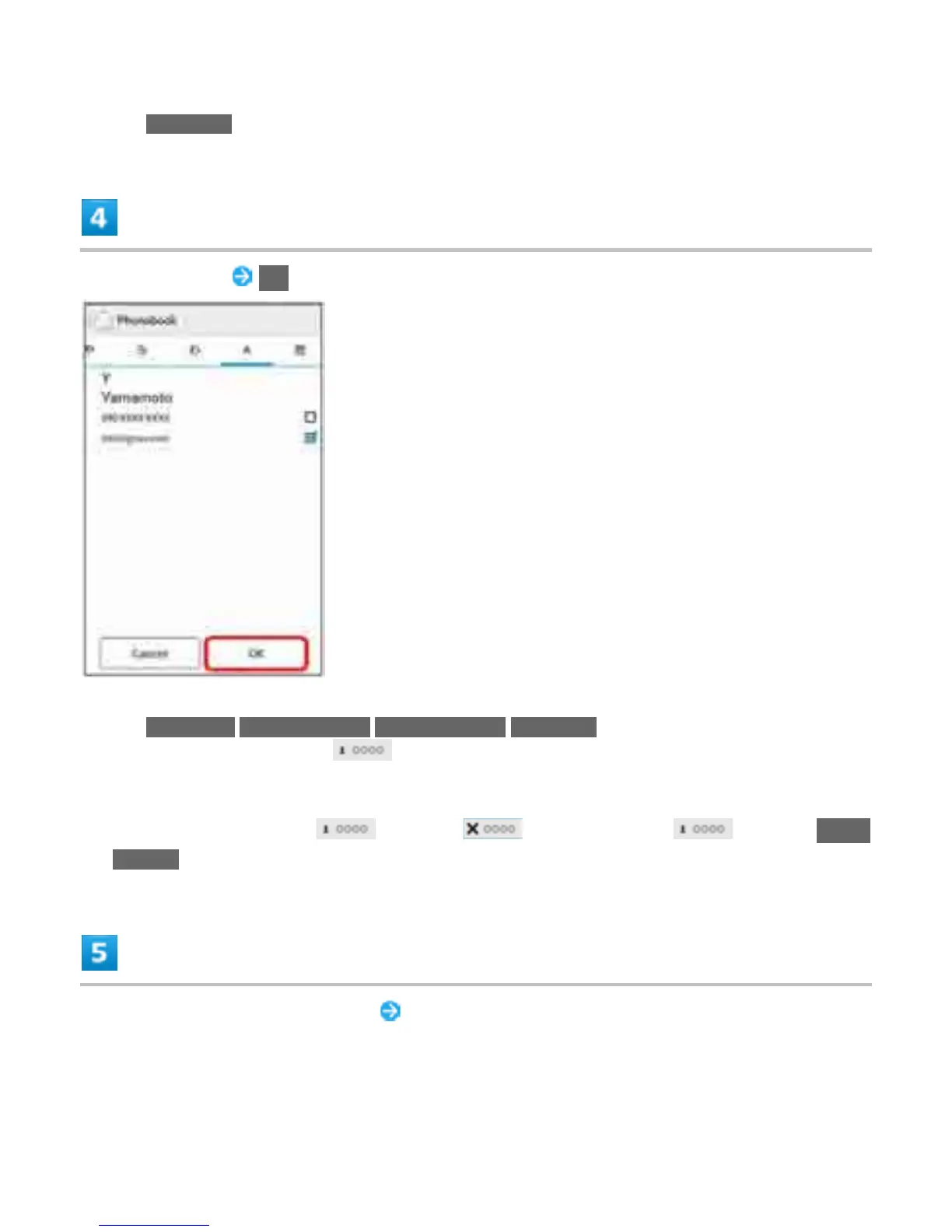
Select recipients OK
Tap Phonebook/Outgoing History/Incoming History/Mail Group to change recipient lists.
After setting recipients, Tap to check recipients' phone numbers/email addresses or set
them to Cc/Bcc.
To send as S! Mail, set Cc or Bcc.
To delete a recipient, Tap and then . Alternatively, Tap and then Delete
recipient.
Tap Subject/Compose email field Enter subject/text
13



 To Next Page