S! Mail/SMS message window opens.
To view new message from Notification Indicator, Drag Status Bar down for Notifications Window,
then Tap corresponding notification.
For two or more new email messages, thread list opens.
Spam Mail
Set spam filtering to move messages from senders not in Address Book to Spam Thread.
New mail notification does not appear. To check messages moved to Spam Thread:
In Home Screen, (Mail) Spam mail
If confirmation appears, follow onscreen instructions.
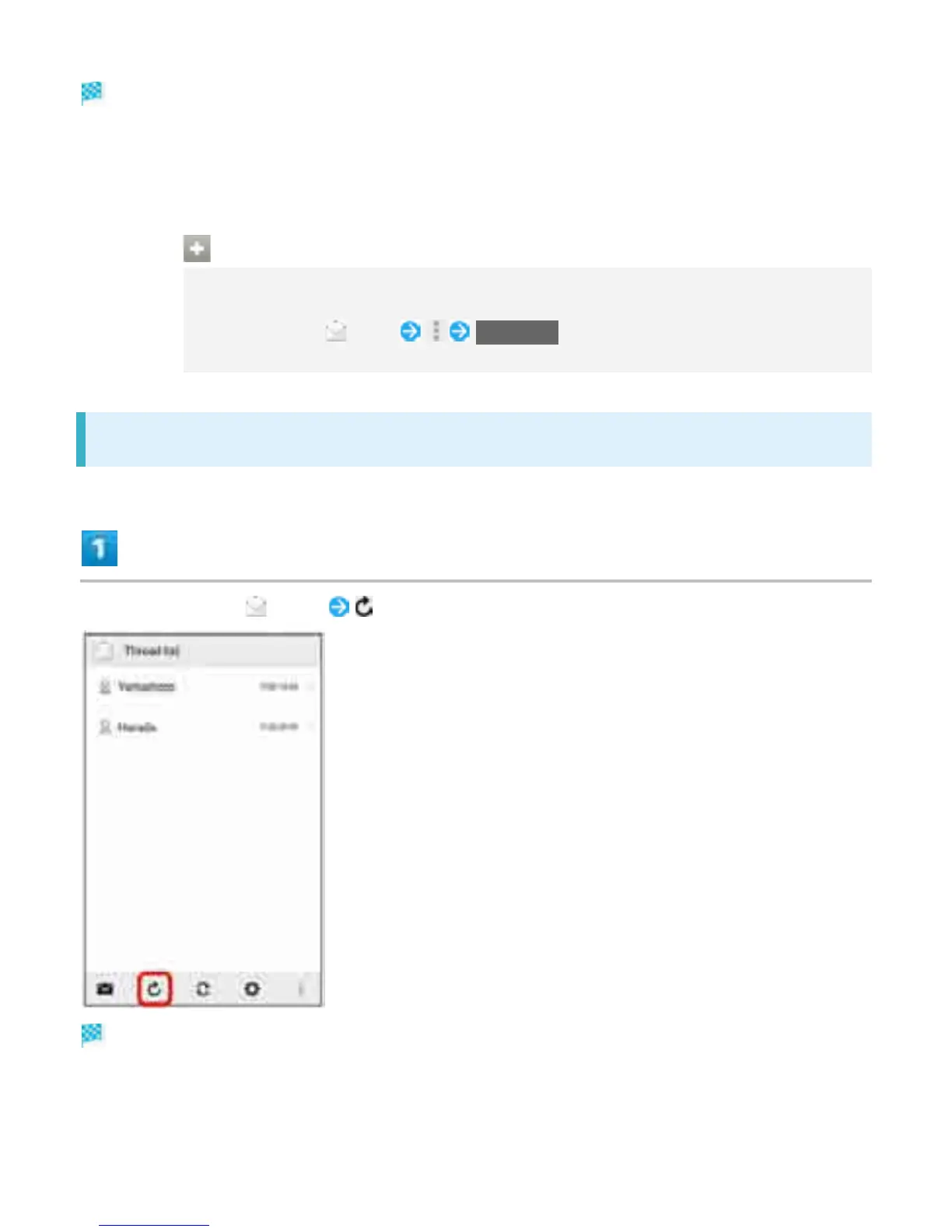
Retrieving S! Mail/SMS Manually
In Home Screen, (Mail)
Mail is received.
20



 To Next Page