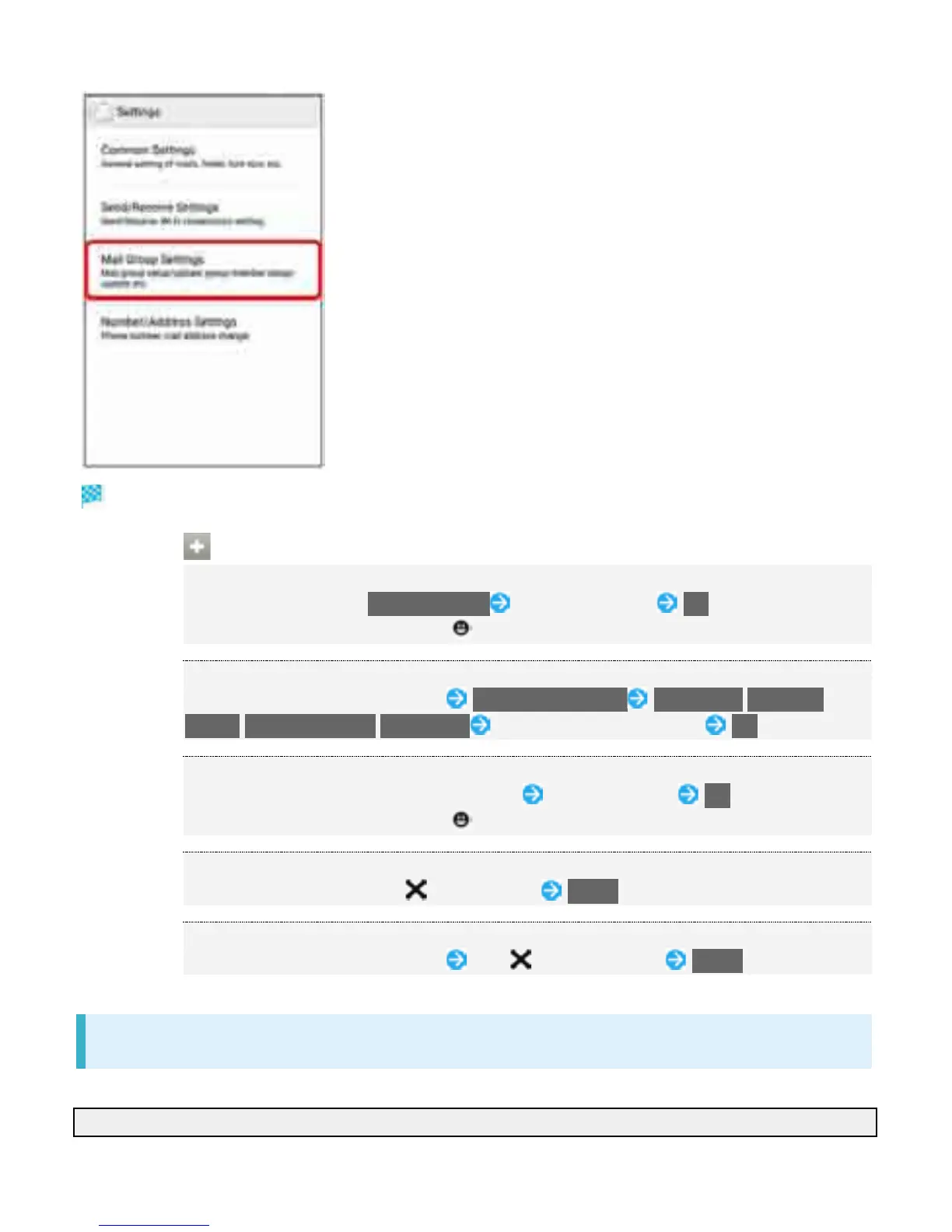
Mail Group Settings open.
Mail Group Setting Operations
Adding a Mail Group
In Mail Group Settings, Add Mail Group Enter group name OK
To enter emoji pictograms, Tap .
Adding Members to a Group
In Mail Group Settings, Tap group Add Group Member Phonebook/Outgoing
History/Incoming History/Direct Input Select/enter contact to add OK
Editing a Group Name
In Mail Group Settings, Touch & Hold group Edit group name OK
To enter emoji pictograms, Tap .
Deleting a Group
In Mail Group Settings, Tap next to group Delete
Deleting Members
In Mail Group Settings, Tap group Tap next to member Delete
Number/Address Settings
Settings and viewing can be made for the following items.
Item Description
67



 To Next Page