Viewfinder appears.
If confirmation appears, follow onscreen instructions.
Alternatively, Tap in Home Screen, and Tap (Camera) to activate Camera.
If there is no operation for about 3 minutes on Viewfinder (about 30 seconds if activated using
"Quick launch"), Camera operation ends.
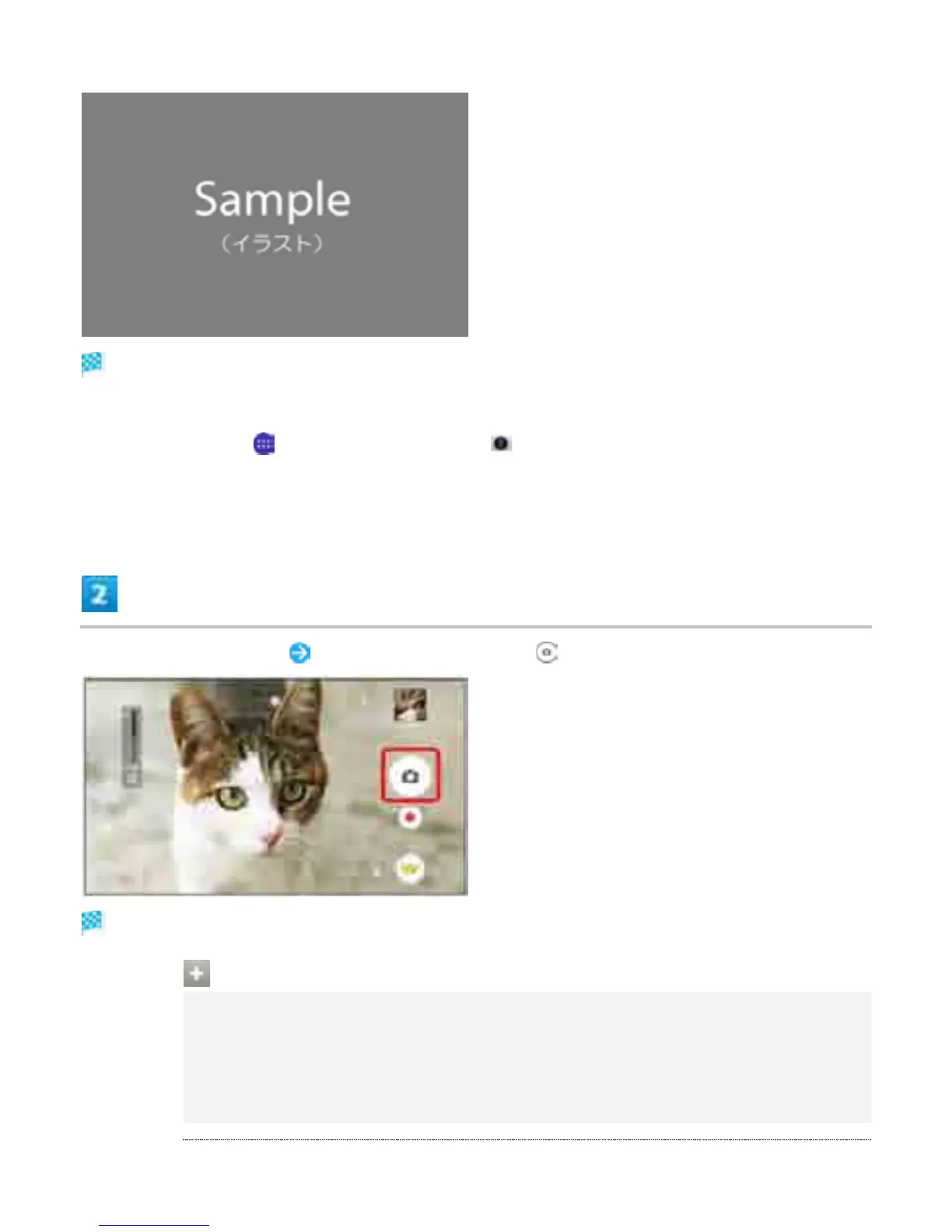
Aim Camera at subject Check Viewfinder, then
Shutter clicks and still image is saved.
Capturing Operations (Still Images)
Using Zoom
Press Volume Key
Pinch/Spread fingers on Viewfinder to zoom in/out.
Volume Key operations vary by setting of Use Volume key as. At time of purchase,
"Zoom" is set.
3



 To Next Page