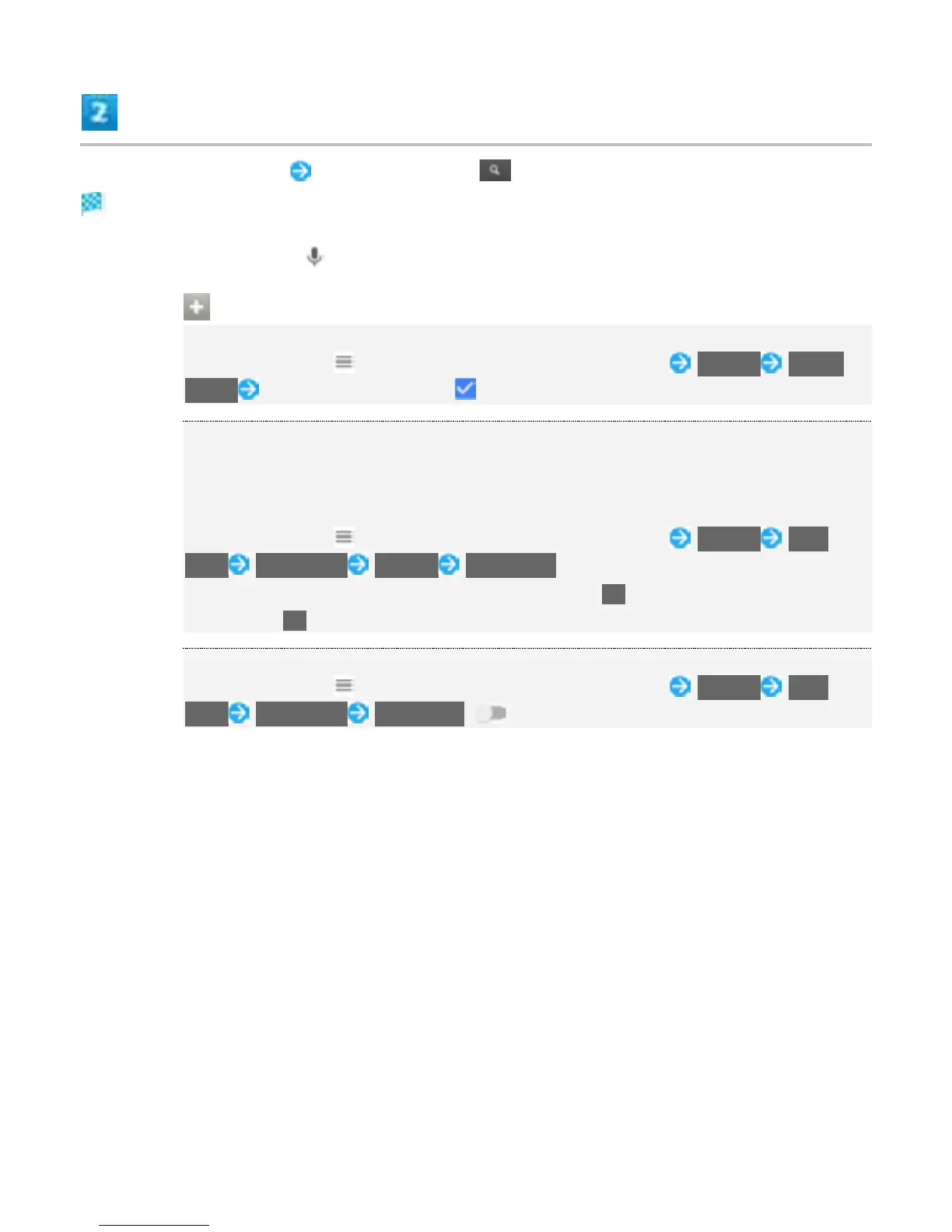
Enter search keywords Tap search result/
Search results appear.
To search by voice, Tap and speak words to search with into handset.
Google Search Operations
Changing Search Information
In search window, or Flick right from the left end of screen Settings Phone
search Select where to search ( )
Using Google Now
Google Now automatically searches for information based on search keywords used
until now, user's current location, etc. and presents search results in the search screen.
Google Now also informs user of scheduled events.
In search window, or Flick right from the left end of screen Settings Now
cards Show cards SET UP YES, I'M IN
To use all functions of Google Now, set Location to On beforehand, and set Location
History to On.
Canceling Google Now
In search window, or Flick right from the left end of screen Settings Now
cards Show cards TURN OFF ( )
11



 To Next Page