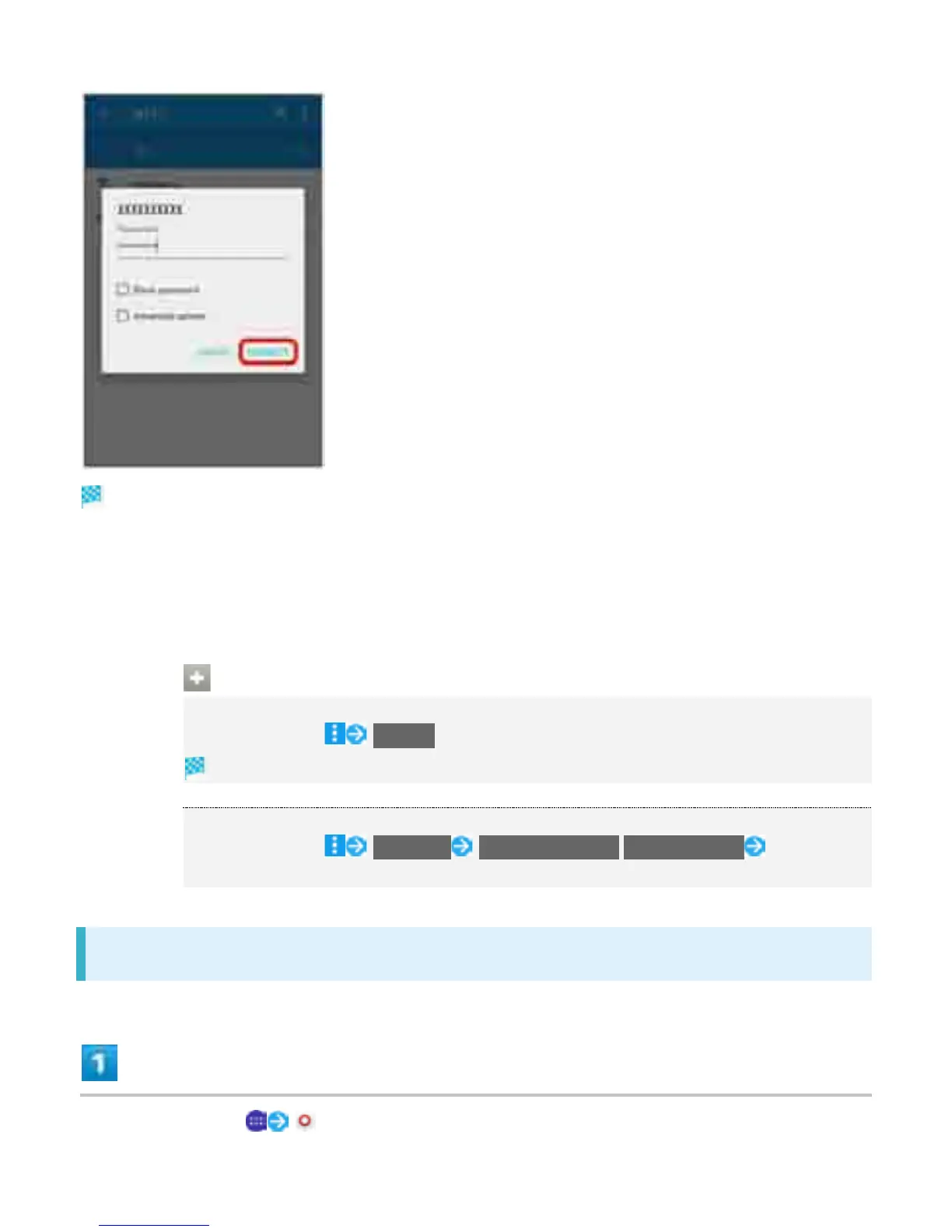
Handset is connected.
The password, for a household wireless LAN router, is sometimes found on a sticker on the router
(WEP, WPA, KEY, etc.). Contact the router manufacturer for information. For password for a public
wireless LAN, check with user's service provider.
Entering a password is not required if an access point is not security protected.
Wi-Fi Operations
Scanning Access Points
In Wi-Fi settings, Refresh
Available access points appear after scanning.
Connecting WPS Devices
In Wi-Fi settings, Advanced WPS Push Button/WPS PIN Entry Follow
onscreen instructions
Making Settings Manually for Connecting
In Home Screen, (Settings)
9



 To Next Page