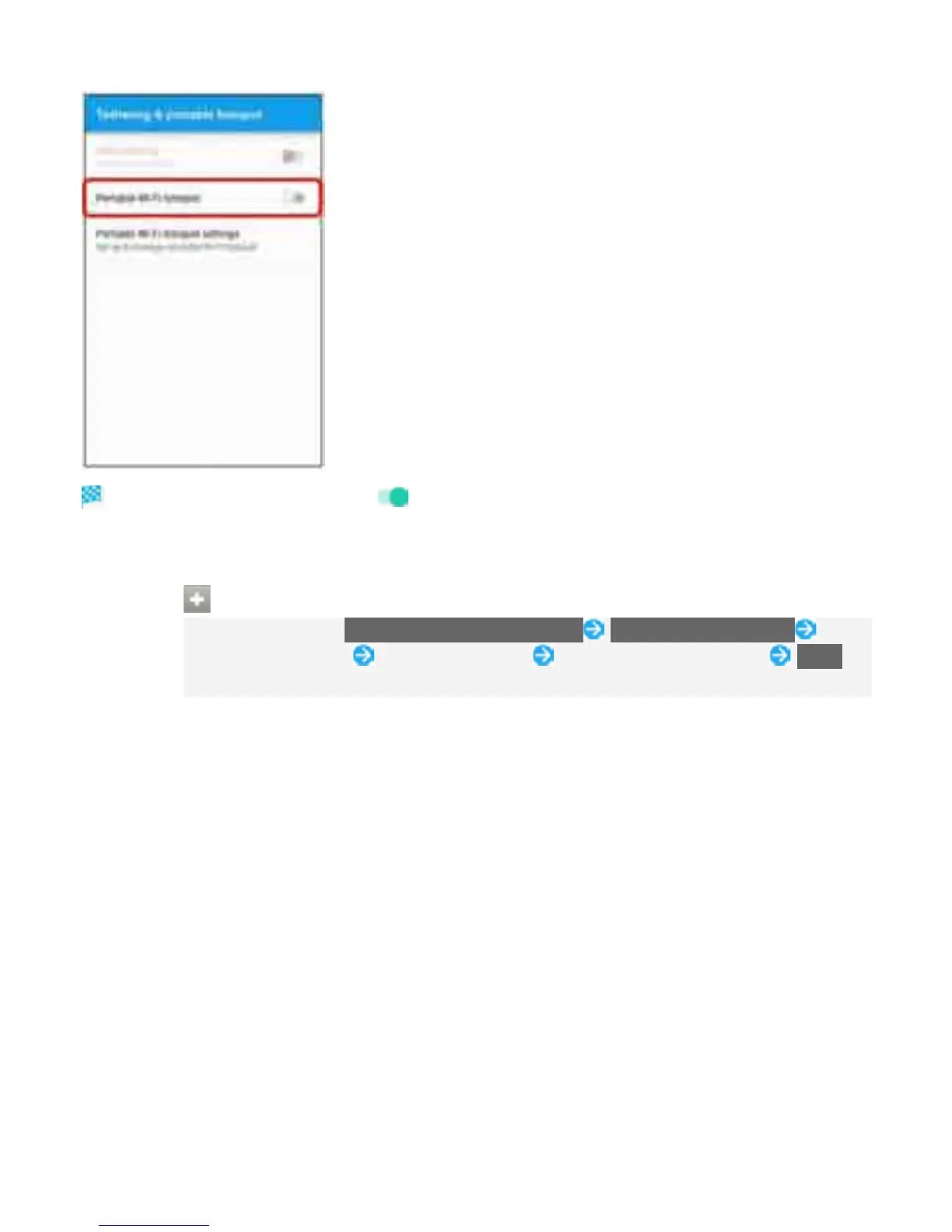
Portable Wi-Fi hotspot is enabled ( ).
If confirmation appears, follow onscreen instructions.
Setting Portable Wi-Fi hotspot
In Tethering screen, Portable Wi-Fi hotspot settings Configure Wi-Fi hotspot Enter
network name (SSID) Select security type Enter password as needed SAVE
At time of purchase, password is set in random order.
22



 To Next Page