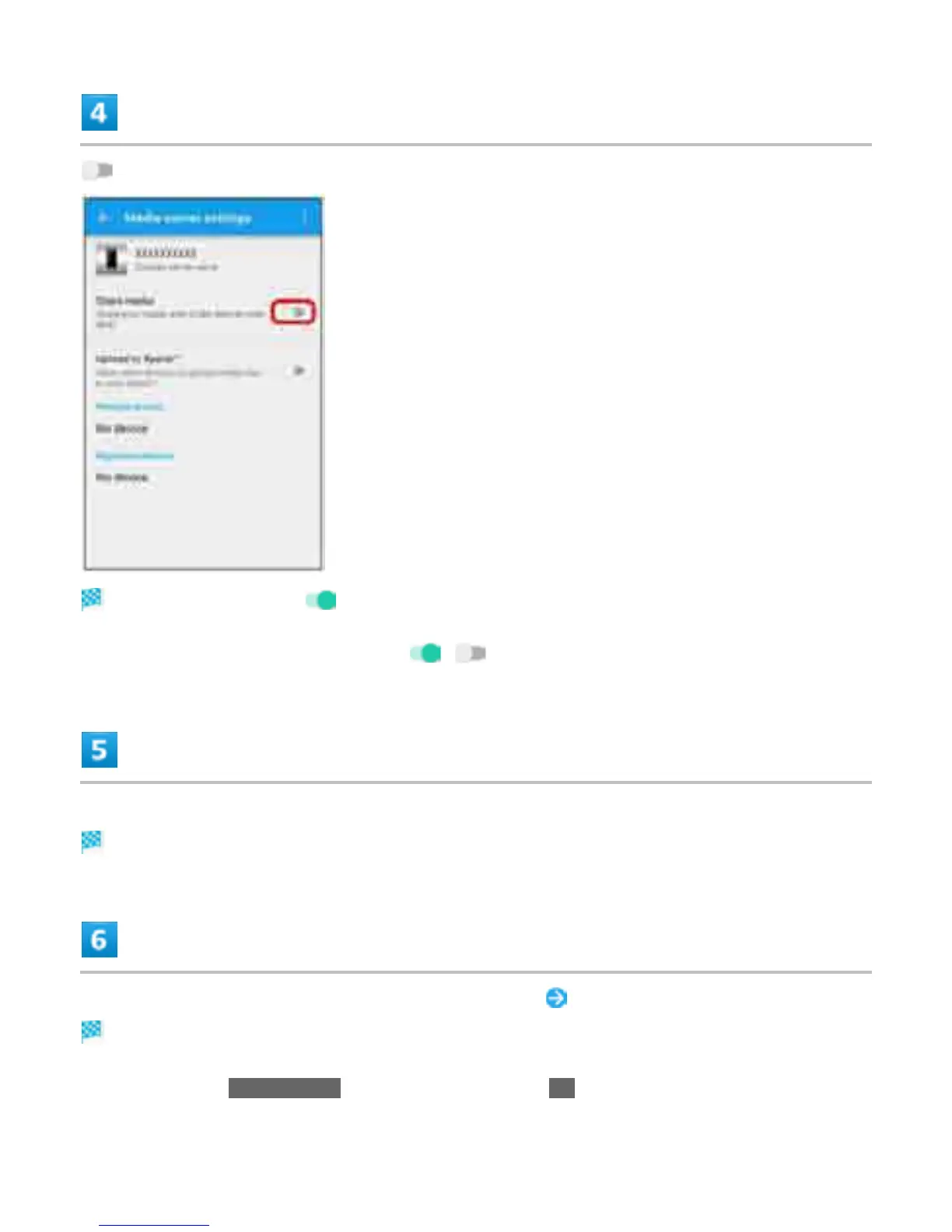
for "Share media"
Media server is enabled ( ).
To disable Media server settings, Tap ( ).
Connect to handset with an application on DLNA device
Access request for media server is notified to handset.
In Media server settings, Tap pending DLNA device Set access level
DLNA device is added.
When Tapping Allow this time, read information and Tap OK.
38



 To Next Page