The media file is played in the DLNA device.
Playing Media Files in Handset on DLNA Device
Play media files in handset on DLNA device using Throw function. Operation using "Album"
application is explained here.
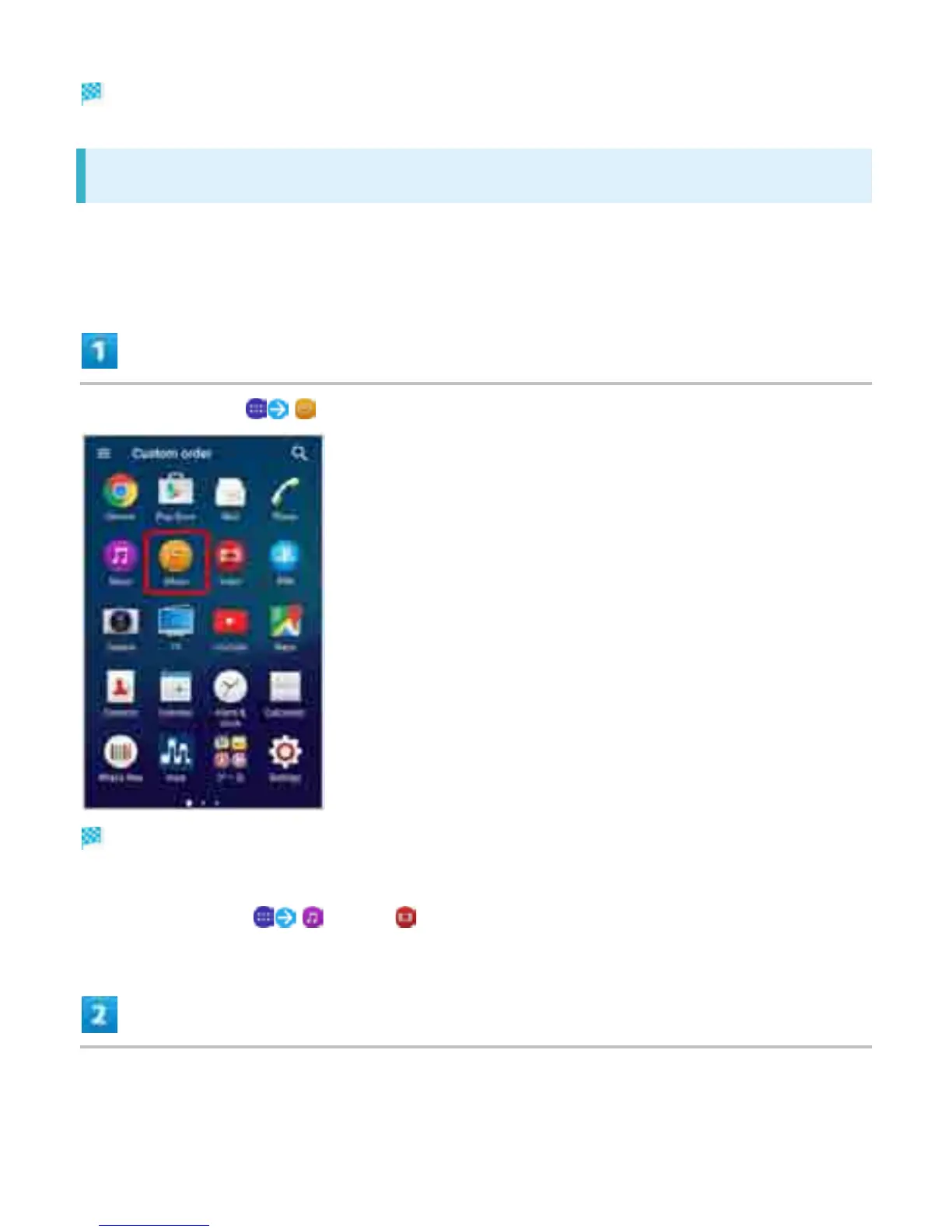
In Home Screen, (Album)
Still image/video list opens.
If confirmation appears, follow onscreen instructions.
Alternatively, Tap (Music)/ (Video) in Home Screen to operate.
Tap target file
42



 To Next Page