To disable Wi-Fi, Tap ( ).
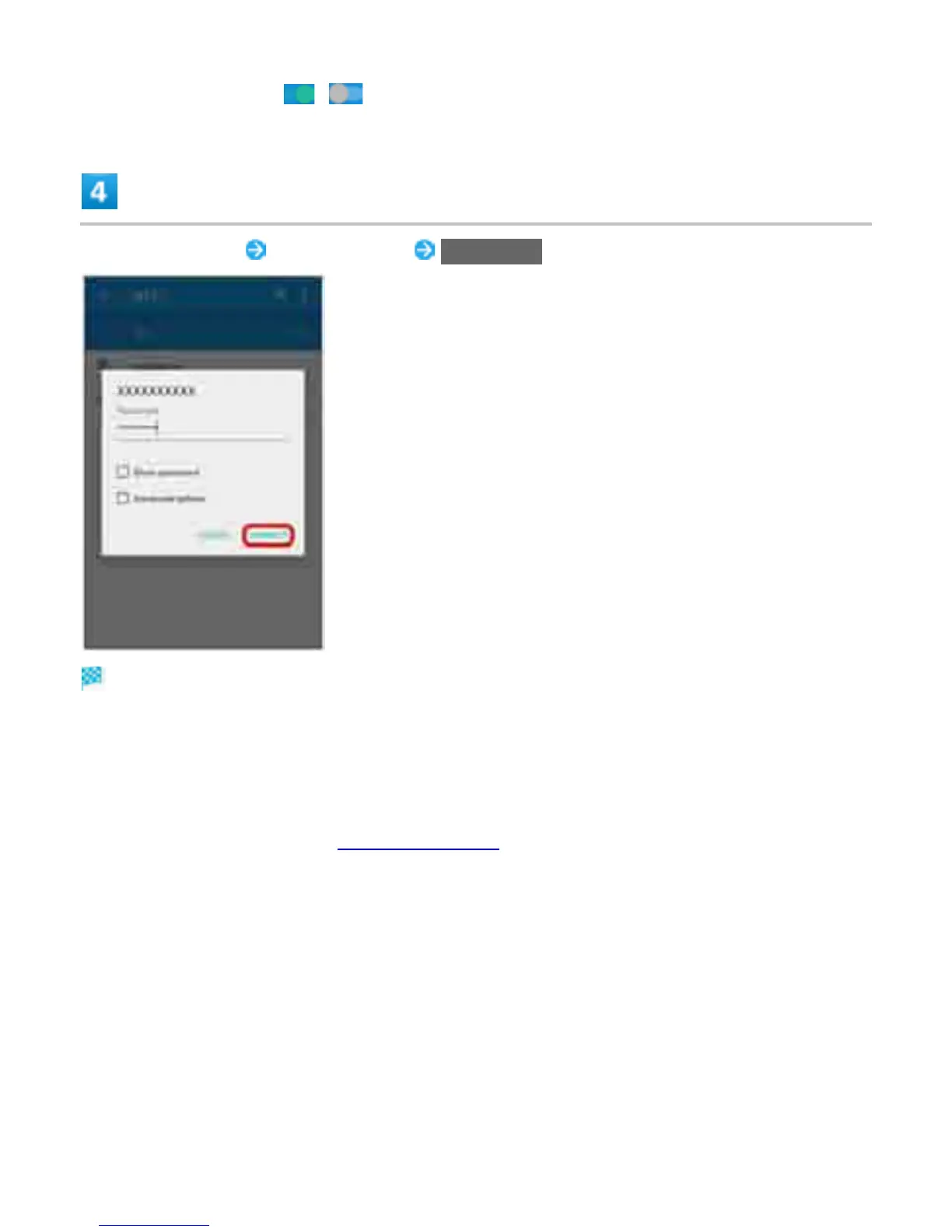
Tap Wi-Fi network Enter password CONNECT
Handset is connected.
The password, for a household wireless LAN router, is sometimes found on a sticker on the router
(WEP, WPA, KEY, etc.). Contact the router manufacturer for information. For password for a public
wireless LAN, check with user's service provider.
Entering a password is not required if an access point is not security protected.
For details on Wi-Fi setting, "Connecting via Wi-Fi."
5



 To Next Page