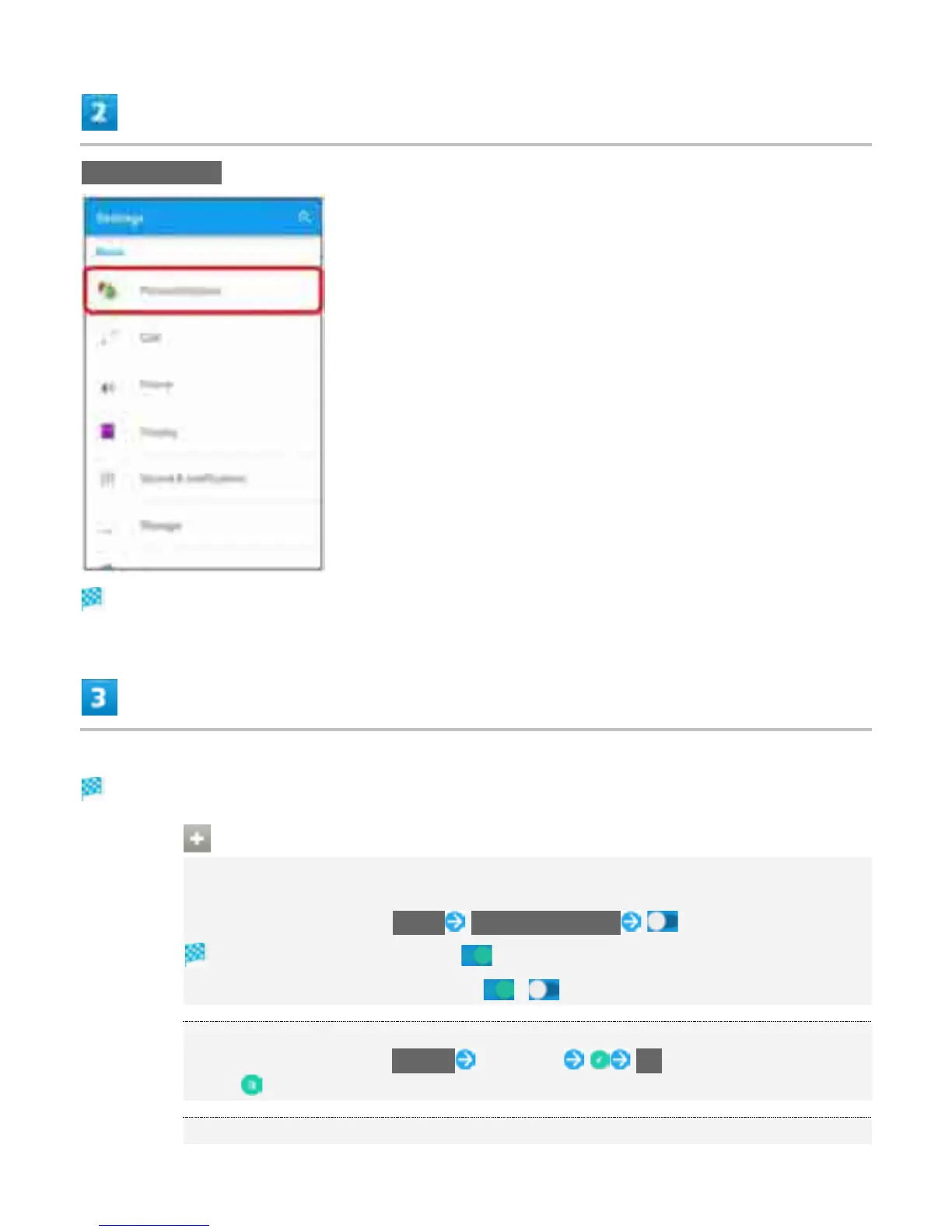
Personalization
Personalization settings open.
Set items
Setting is complete.
Operations in Personalization
Enabling Handset Operation with Motion
Enable Answer/Reject/Ringer off with only handset motion instead of touching Display.
In Personalization screen, Motion Smart call handling
Smart call handling is enabled ( ).
To disable Smart call handling, Tap ( ).
Changing Themes
In Personalization screen, Themes Tap theme OK
Tap to download theme.
Setting Wallpaper
19



 To Next Page