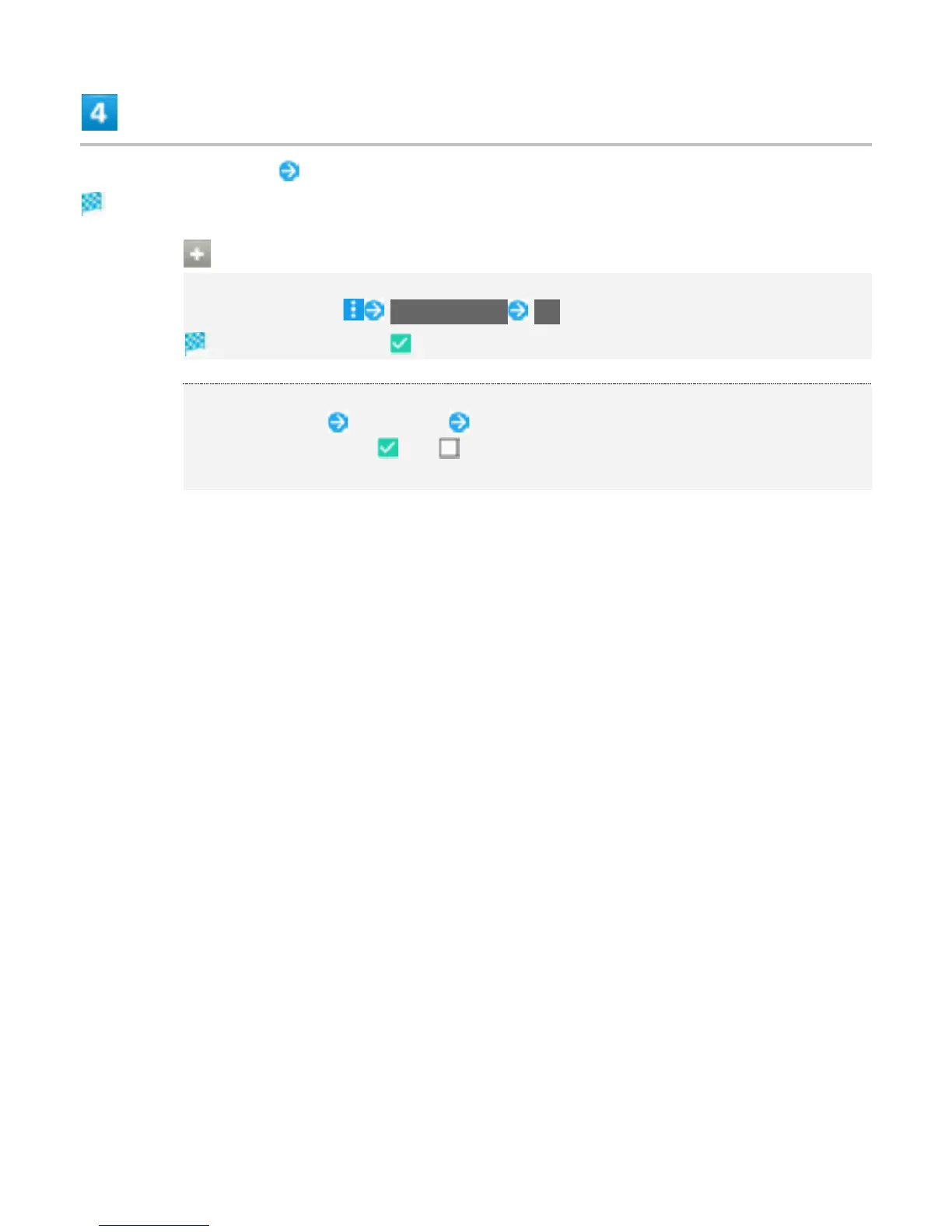
Select account to add Follow onscreen instructions
Account is added.
Account Operations
Setting Auto-sync
In Account window, Auto-sync data OK
Auto-sync is enabled ( ).
Setting Applications to Sync for Each Account
Tap account to set Tap account Tap sync item
Tap item to toggle on ( )/off ( ).
Tap item to synchronize when Auto-sync is disabled.
49



 To Next Page