Set items
Setting is complete.
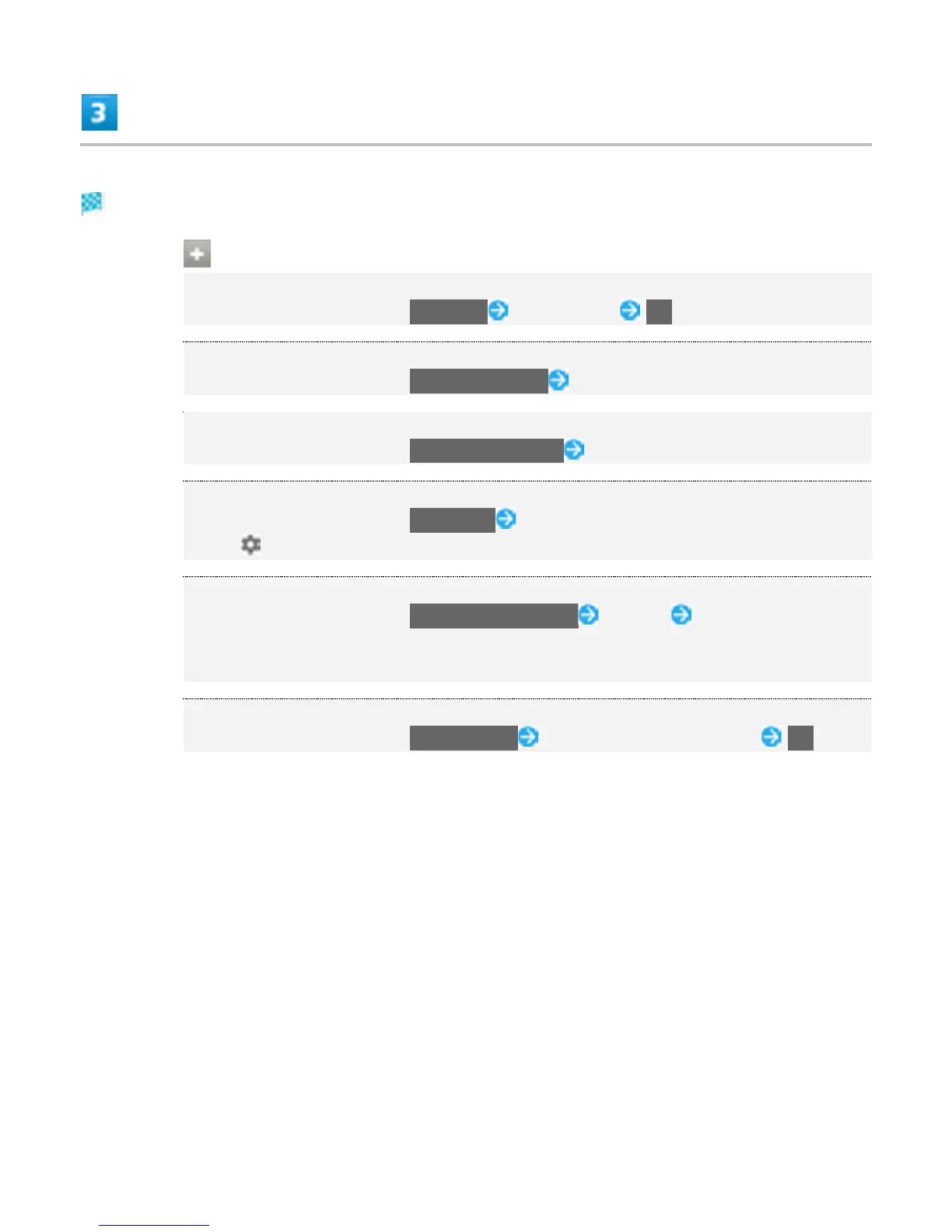
Language & Input Operations
Setting the Display Language
In Language & input screen, Language Tap language OK
Setting Keyboard
In Language & input screen, Current Keyboard Tap keyboard
Setting Google Voice Typing
In Language & input screen, Google voice typing Set items
Setting Operation of Google Voice Typing
In Language & input screen, Voice input Select voice input service
Tap to set the detailed setting.
Setting Text-to-speech
In Language & input screen, Text-to-speech output Tap item Follow onscreen
instructions
Text-to-speech engine is not available in Japanese.
Setting Speed of Pointer for Mouse/Trackpad
In Language & input screen, Pointer speed Drag on bar to adjust speed OK
52



 To Next Page