Set items
Setting is complete.
Operations in Backup & Reset
Backing Up Data
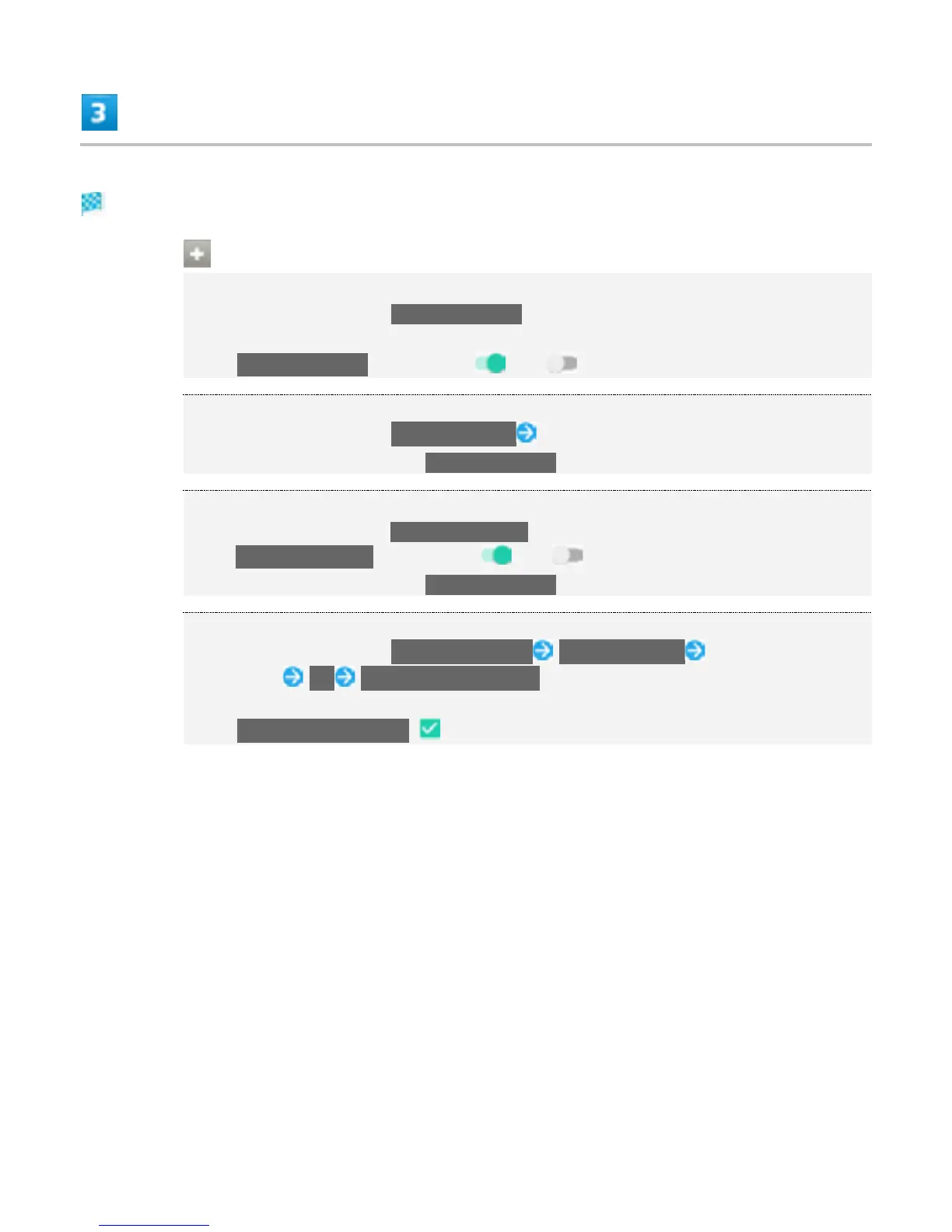
In Backup & reset screen, Back up my data
If confirmation appears, follow onscreen instructions.
Tap Back up my data to toggle on ( )/off ( ).
Setting Backup Account
In Backup & reset screen, Backup account Select account
Settings can be made when Back up my data is enabled.
Enabling Automatic Restore
In Backup & reset screen, Automatic restore
Tap Automatic restore to toggle on ( )/off ( ).
Settings can be made when Back up my data is enabled.
Resetting Handset
In Backup & reset screen, Factory data reset RESET PHONE Input operation
access code OK ERASE EVERYTHING
If operation access code is unset, set operation access code.
Tap Erase internal storage ( ) when resetting handset containing user data.
55



 To Next Page