Installation and set-up manual 208668 21
CRANEX Novus e 3. Installing the unit
3.6 Exposure switch
NOTE:
If the exposure switch is to be used with the
remote option, refer to the section 3.7 Installing
the remote exposure switch.
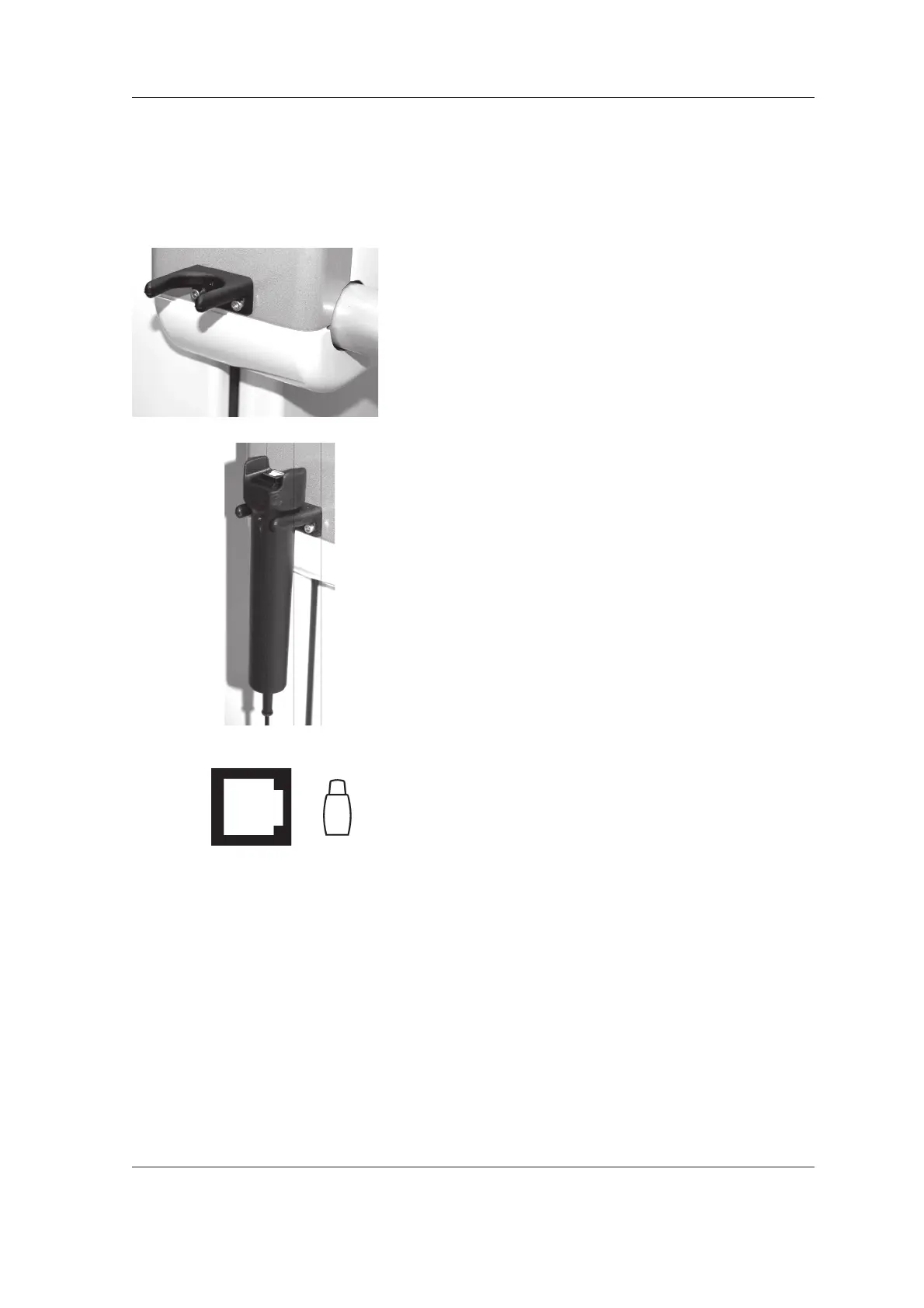
1. Attach the exposure switch holder to the side
of the unit using two (2) screws.
If the user does not want to have the exposure
switch positioned on the unit attach the
exposure switch holder, within the range of
the exposure switch spiral cable, to where
requested.
Make sure that the exposure switch is
positioned so that the user can protect them
self from radiation and can see the patient
during an exposure.
2. Connect the exposure switch cable to the
connector at the bottom rear of the column and
clamp the cable in place using one of the cable
clamps. Place the exposure switch on the
exposure switch holder.



 To Next Page