40 Installation and set-up manual 208668
4. Checking the alignment and fi nishing the installation CRANEX Novus e
4. Checking the alignment and fi nishing the installation
4.1 Checking the alignment of the beam and the CCD sensor
1. PC: Prepare the unit for an exposure.
NOTE:
If the dental imaging software prompts an
error message "Please calibrate the device"
on startup, perform CCD re-calibration as
described in section 5.5 Calibrating the CCD
sensor.
2. Remove the chin rest.
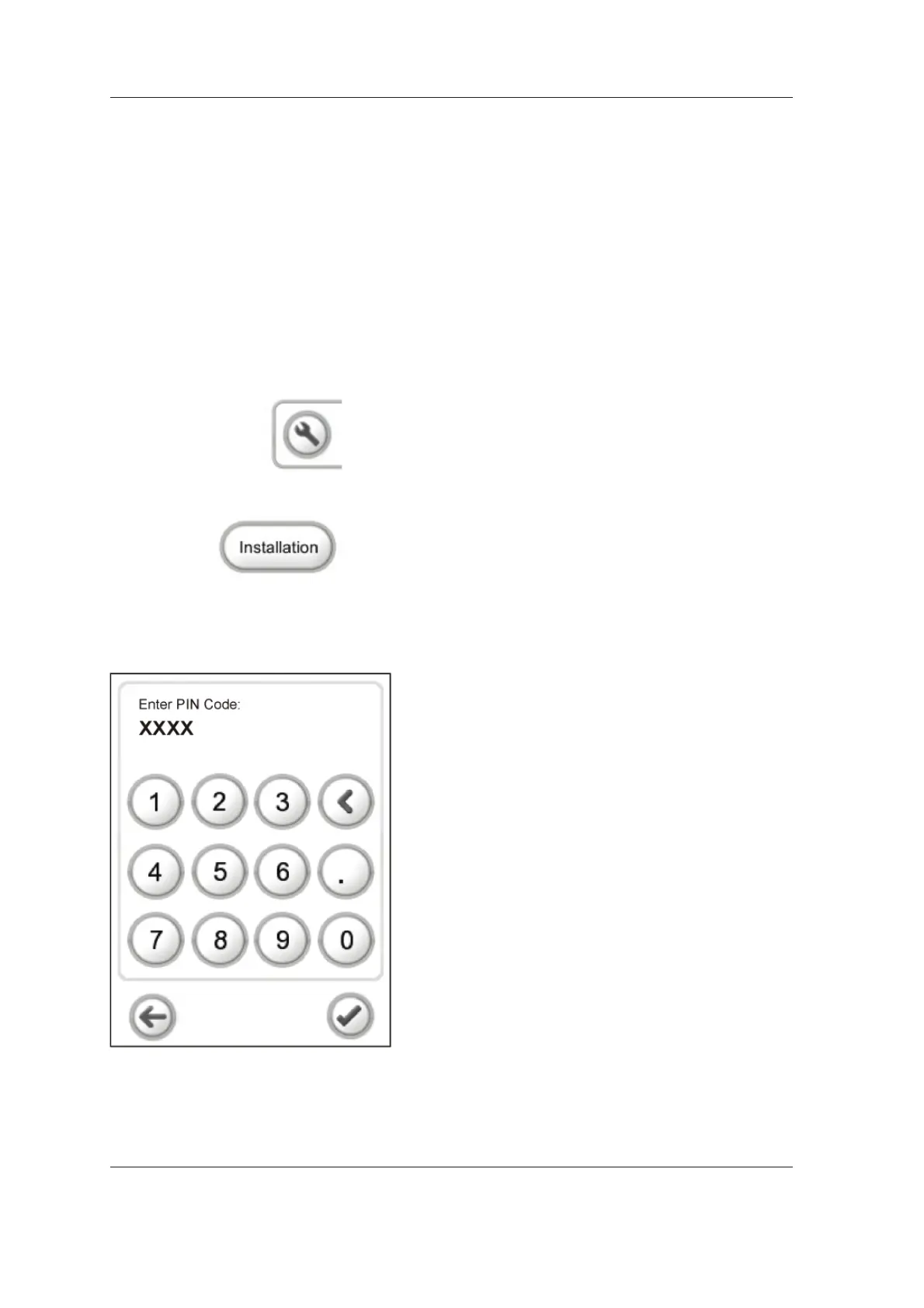
3. Touch the service key on the main control
panel of the unit to open the confi guration
screen.
4. Select Installation.
5. The PIN number screen will appear. This is
a security feature to prevent the user from
accidentally accessing the installation / service
commands.
Key in 1204 and touch the OK (tick) key.



 To Next Page