Installation and set-up manual 208668 19
CRANEX Novus e 3. Installing the unit
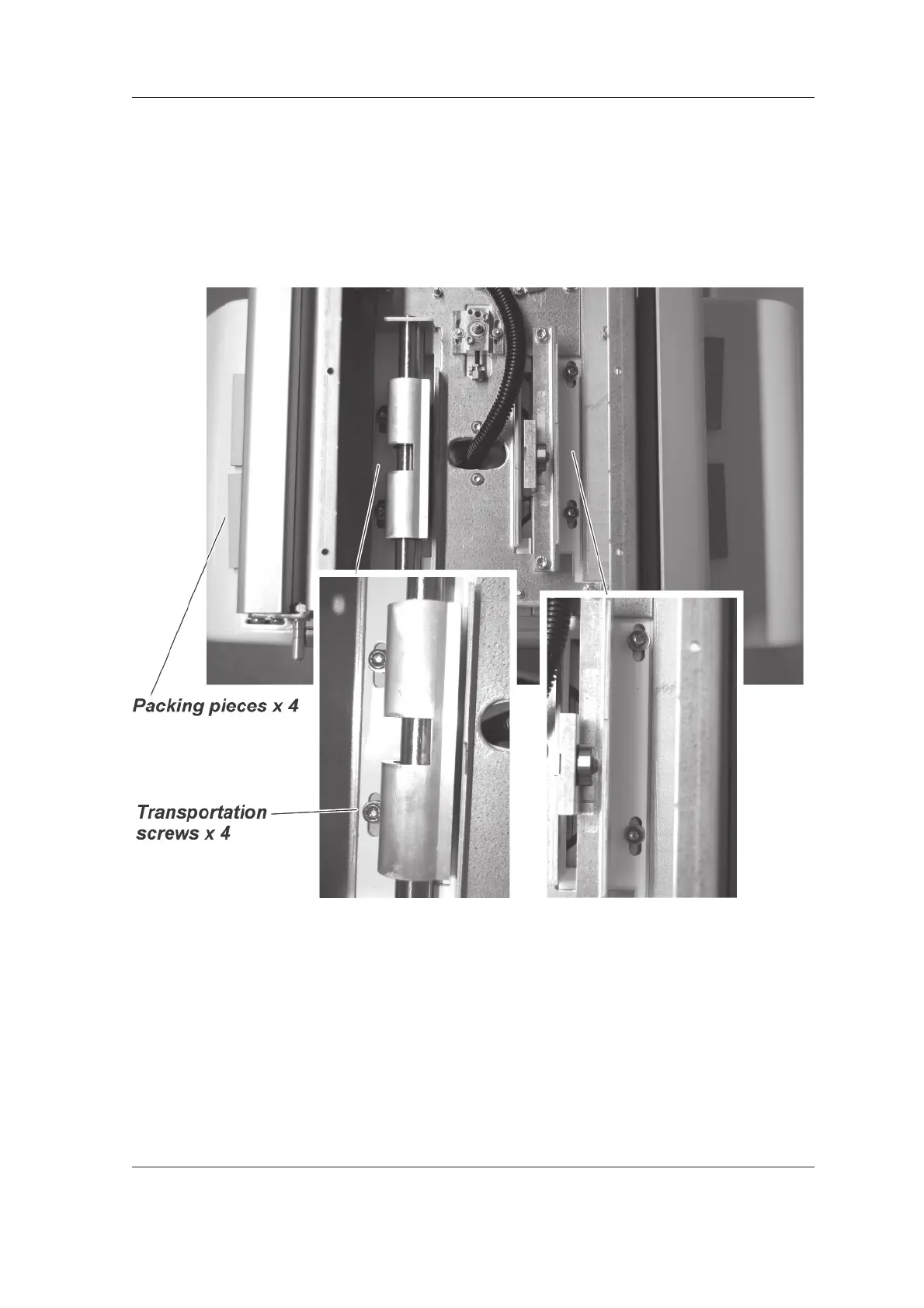
5. Remove the four (4) transportation screws
(painted RED) and four (4) packing pieces that
hold the rotating unit to the upper shelf.
Now rotate the rotating unit 180
o
counterclockwise so that the control panel is
on the left-hand side (the unit patient in/out
position).
Unit relocation
If the unit ever needs to be moved or relocated,
replace the packing pieces and transportation
screws and then remove the guide pin assembly
and place it back into its transportation position
(step 2) BEFORE removing the unit from the wall
or the exhibition stand.



 To Next Page