58 Installation and set-up manual 208668
5. Aligning the unit CRANEX Novus e
5.4 Aligning the positioning lights
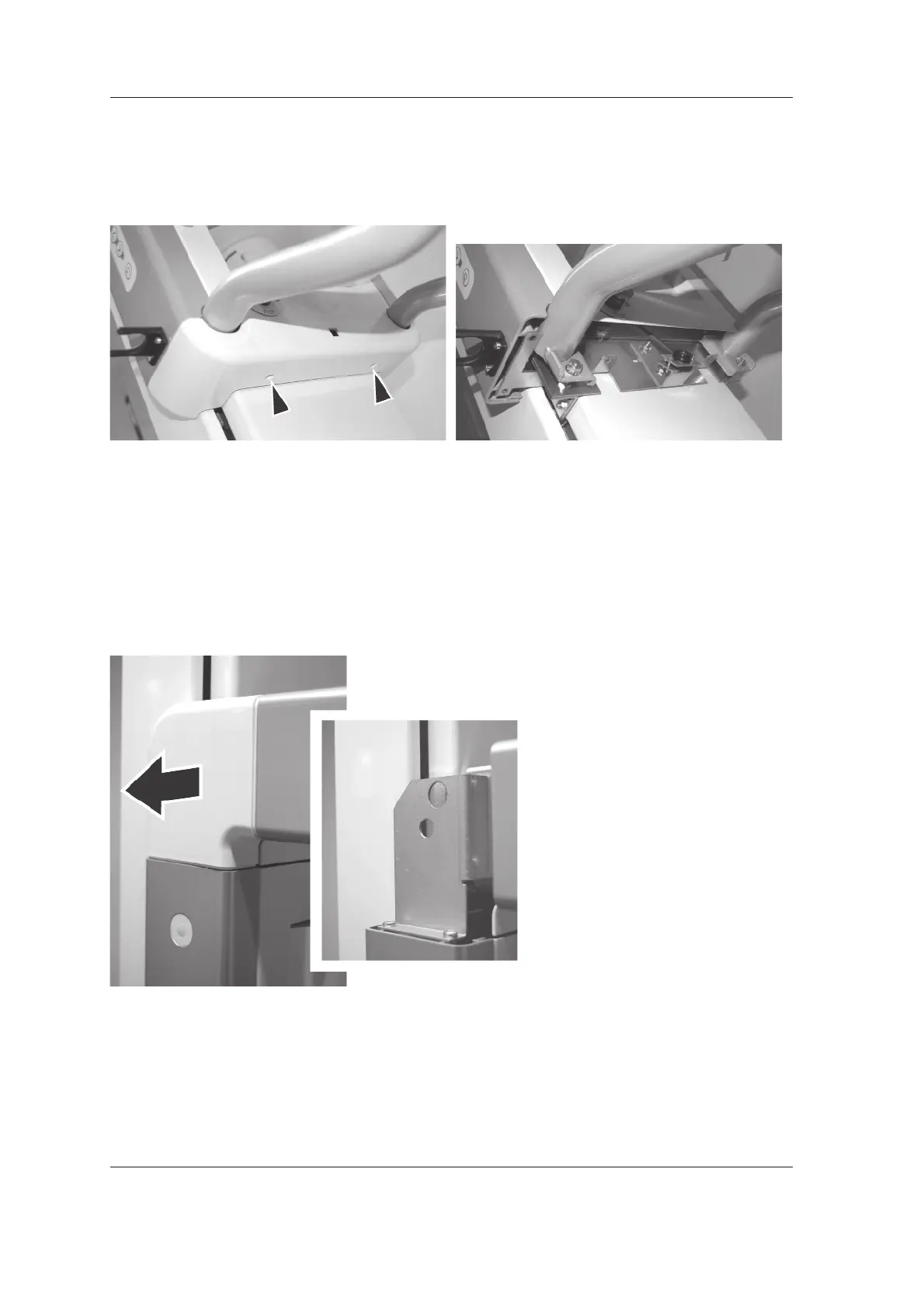
Midsagittal light
1. Remove the lower cover (2 screws).
The Midsagittal light can now be accessed and
adjusted, see Frankfort step 4.
Frankfort light
1. Remove the corner piece, it pulls off.



 To Next Page