Installation and set-up manual 208668 57
CRANEX Novus e 5. Aligning the unit
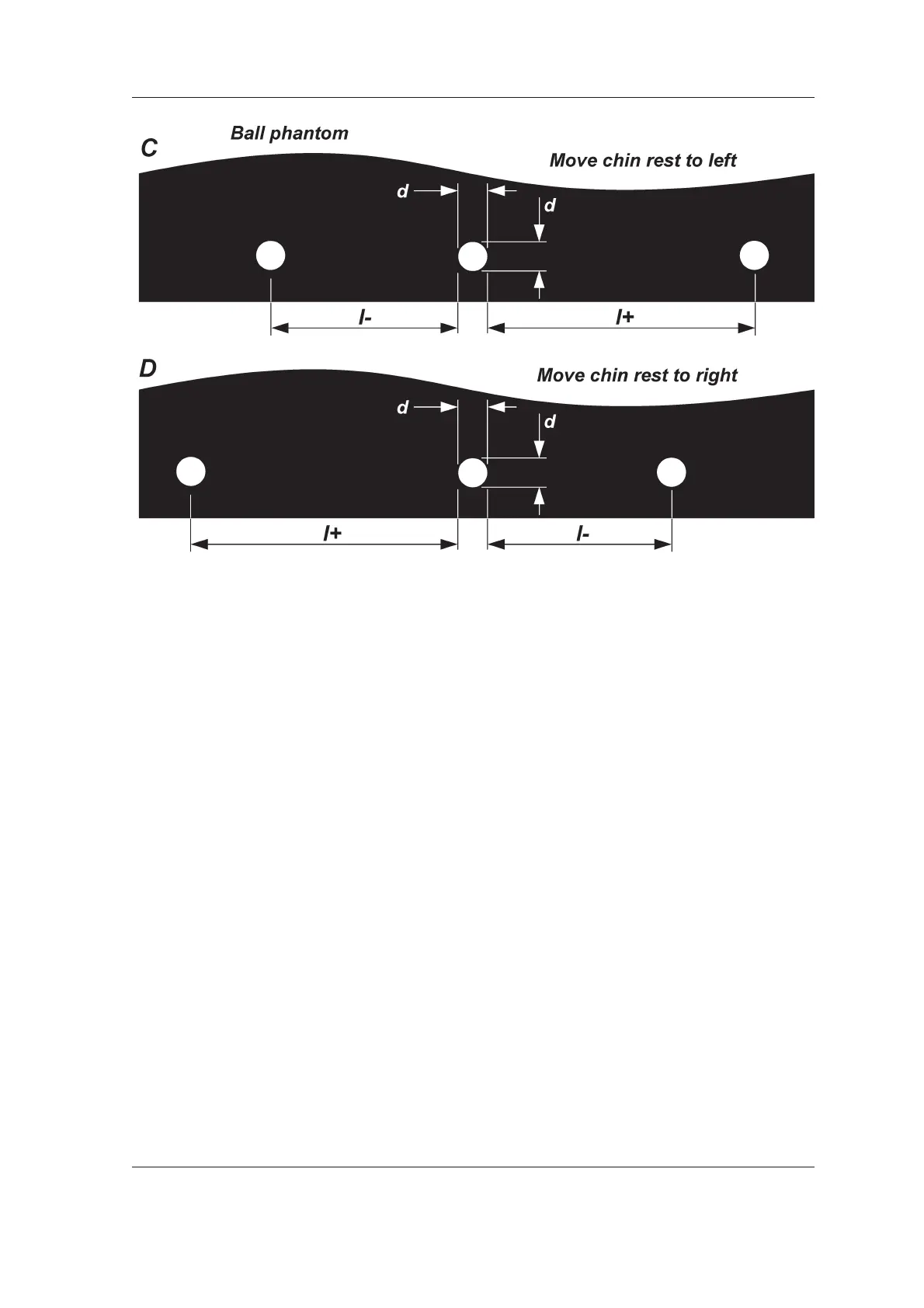
4. Take another panoramic exposure of the
phantom to confi rm that the unit is now
correctly aligned. Readjust if required.
5. After the adjustment has been done retighten
the set screw and replace the Chin Support
Holder.



 To Next Page