42 Installation and set-up manual 208668
4. Checking the alignment and fi nishing the installation CRANEX Novus e
4.2 Checking the image geometry (Ball (and Pin) Phantom
test)
1. PC: Prepare the unit for an exposure.
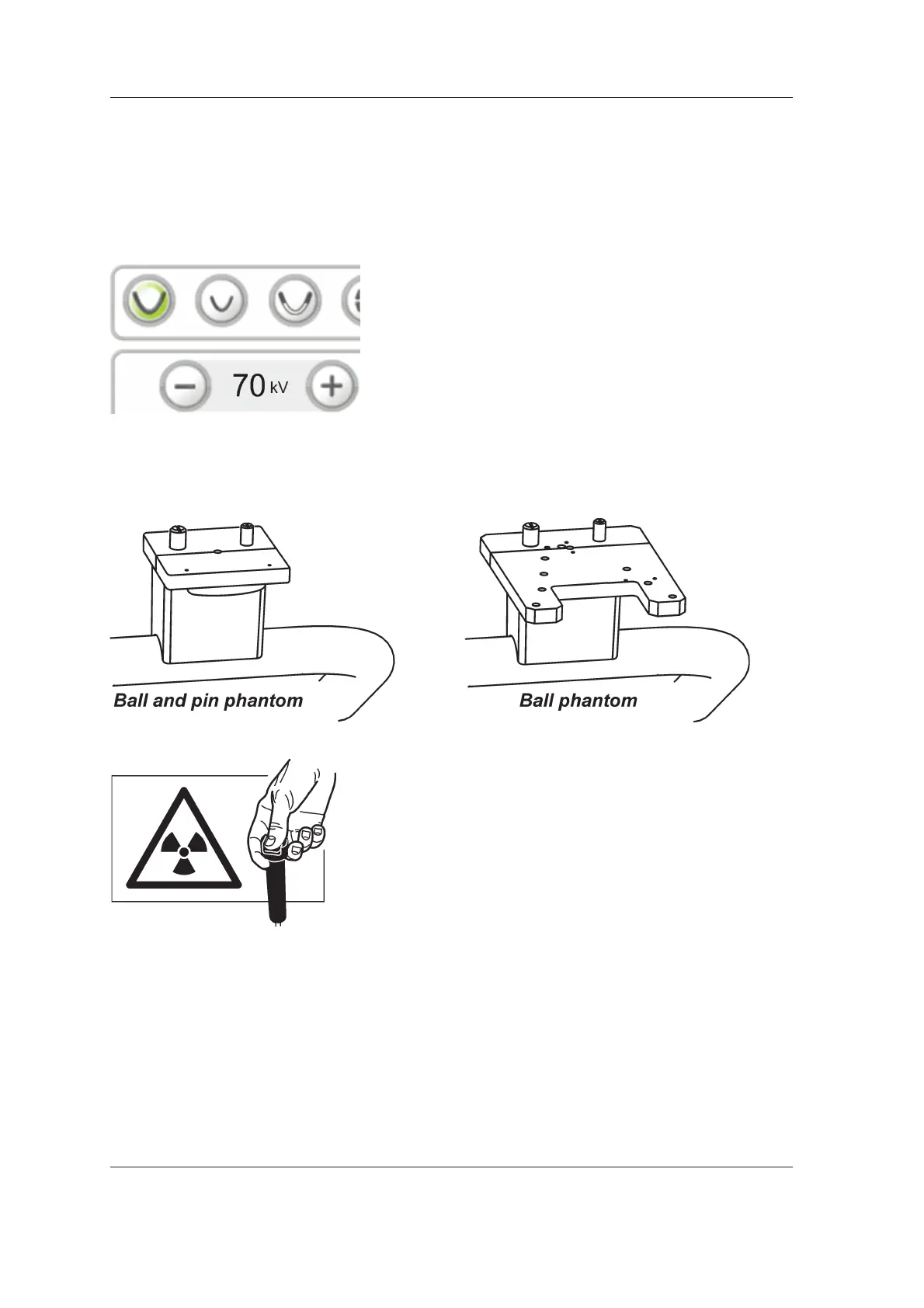
2. Set up the unit to take an adult panoramic
exposure at 70 kV.
Refer to the unit User Manual for information
on how to do this.
3. Attach the Ball and Pin Phantom or Ball
Phantom to the chin support.
4. Protect yourself from radiation.
Press and hold down the exposure switch to
take an exposure.
ADULT
PAN



 To Next Page