Installation and set-up manual 208668 45
CRANEX Novus e 4. Checking the alignment and fi nishing the installation
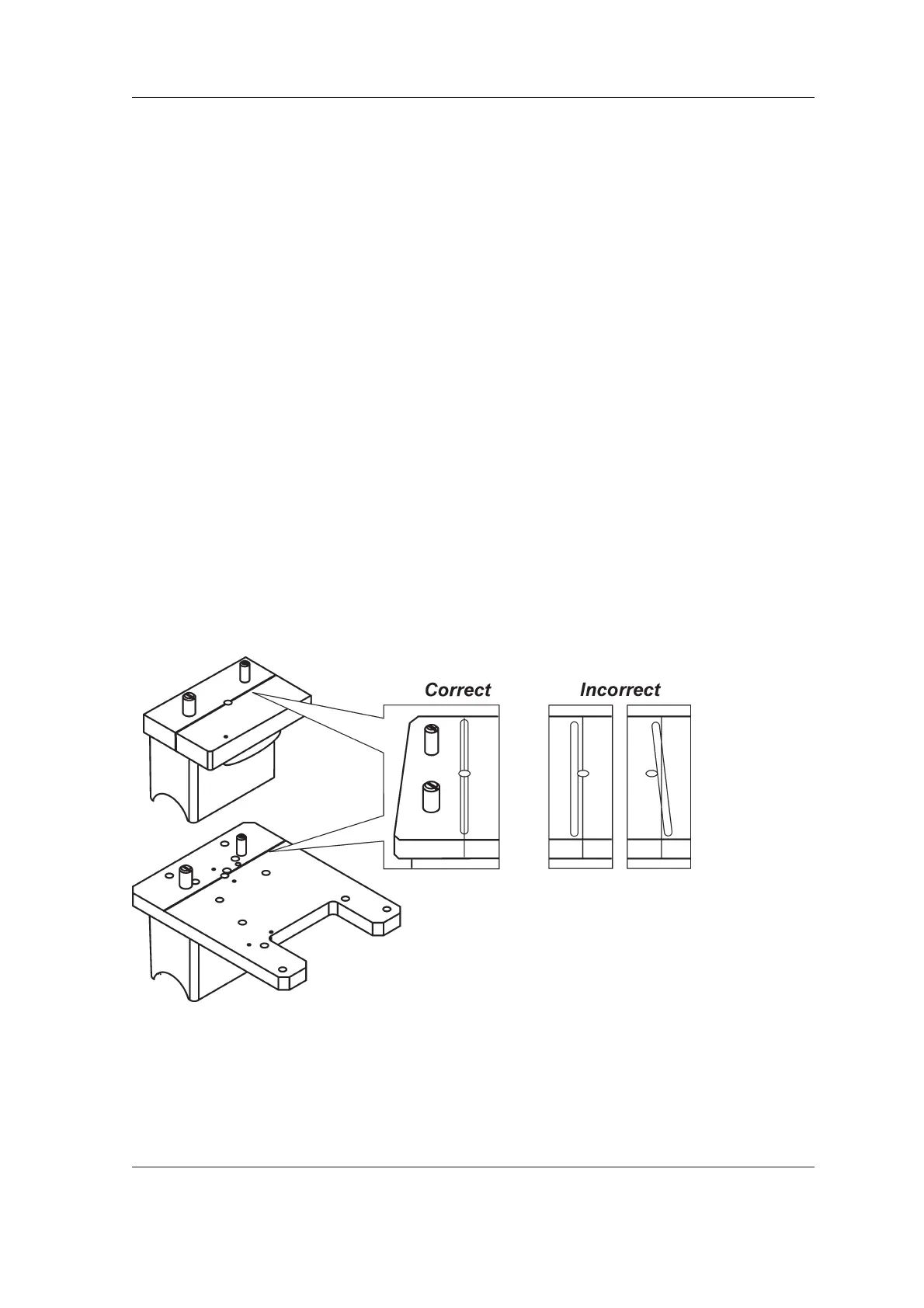
Frankfort light
1. Draw a horizontal line on a sheet of paper
parallel to one side. Remove the chin rest
and hold the piece of paper on the chin rest
support
2. Press the light key. The frankfort light must be
parallel to the line on the piece of paper.
If the beam is not in the correct position it
must be adjusted. See 5.4 Aligning the
positioning lights.
Focal trough light
1. Attach the ball phantom or the ball and pin
phantom to the support holder.
2. Press the light key to switch the patient
positioning lights on. The light beam must
strike the line that crosses the ball phantom.
If the beam is not in the correct position it
must be adjusted. See 5.4 Aligning the
positioning lights.



 To Next Page