62 Installation and set-up manual 208668
5. Aligning the unit CRANEX Novus e
6. Protect yourself from radiation. Press and
hold down the exposure switch to take an
exposure.
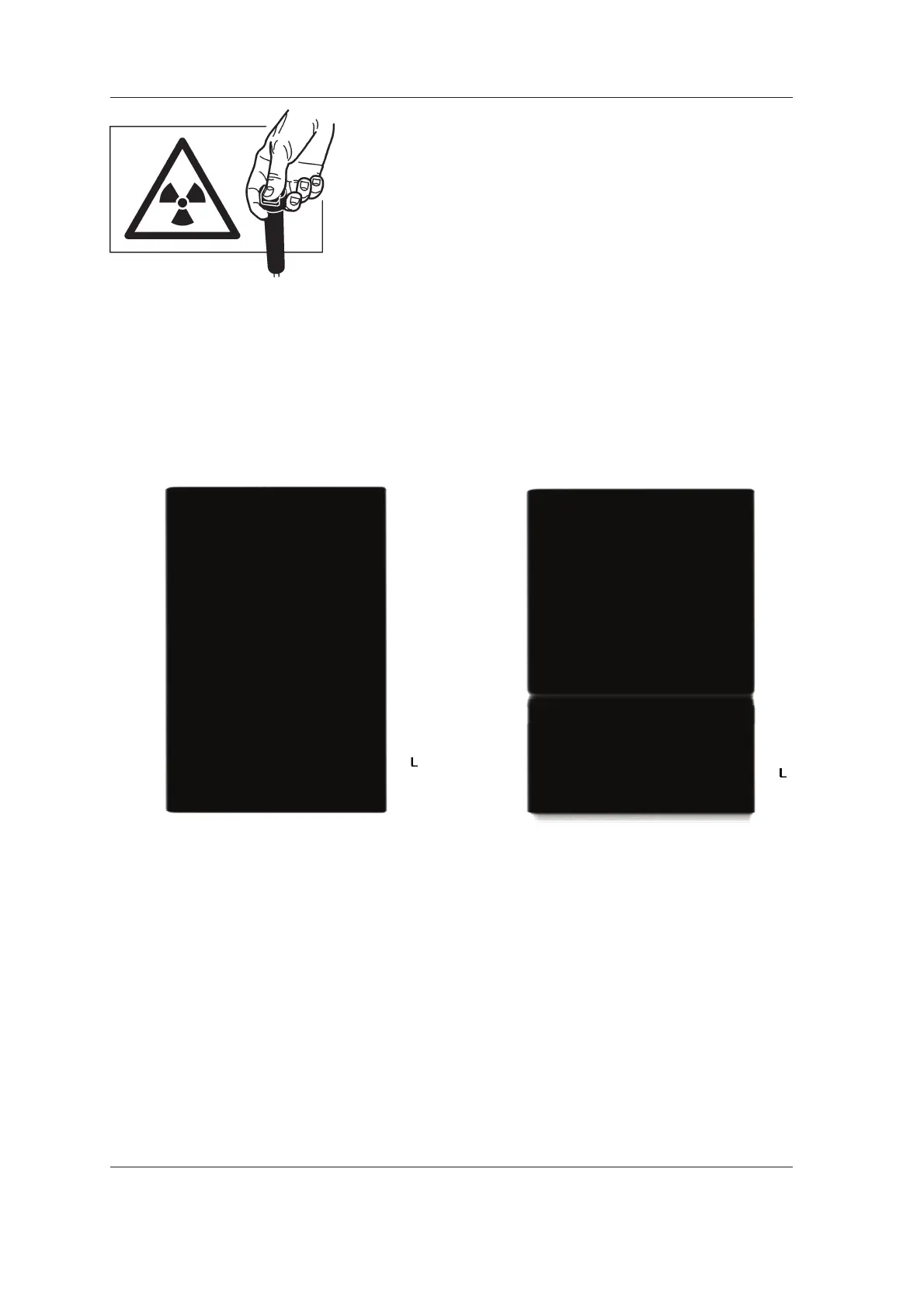
7. PC: Use the dental imaging software to
examine the image. It should be evenly grey
all over with no granularity nor horizontal lines/
stripes. If the image is not evenly gray repeat
the calibration until it is. If artefacts appear
on the image make sure that there is nothing
between the sensor and the tubehead.
Incorrect image, with an
Correct image, no artifacts example of an artifact
8. Touch the Arrow key to exit Image
Calibration.



 To Next Page