64 Installation and set-up manual 208668
5. Aligning the unit CRANEX Novus e
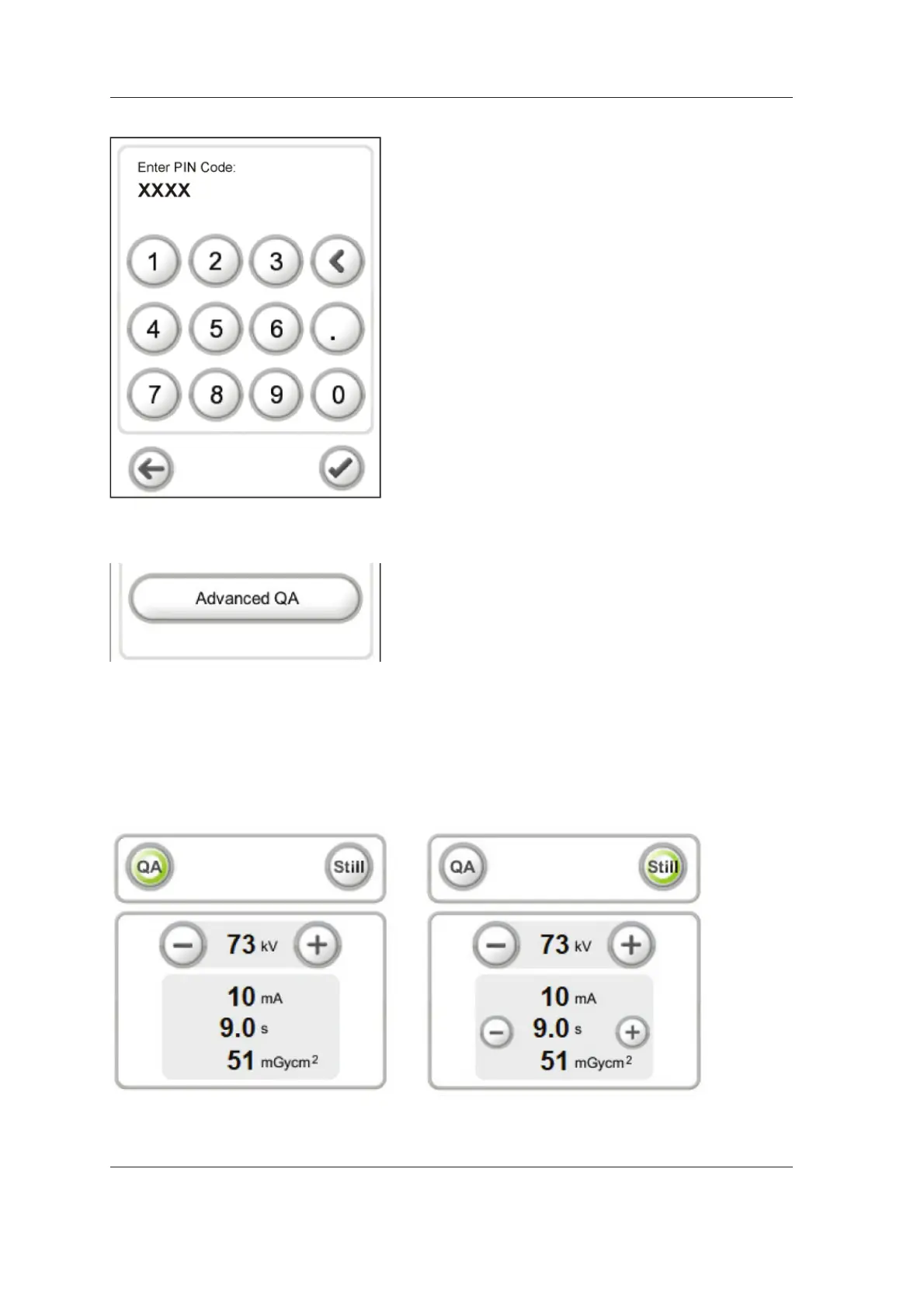
5. The personal identifi cation number (PIN)
screen will appear.
Key in 1204 and touch the OK (tick) key.
6. Select Advanced QA.
7. The Advanced QA program screen appears.
Select the needed program, Advanced QA
(QA) or Advanced Still mode (Still) and adjust
the exposure values using the plus (+) and
minus (-) keys.



 To Next Page